
SEO Strategy
Capacity Planning for Price Monitoring Without Resetting the License Clock
Sep
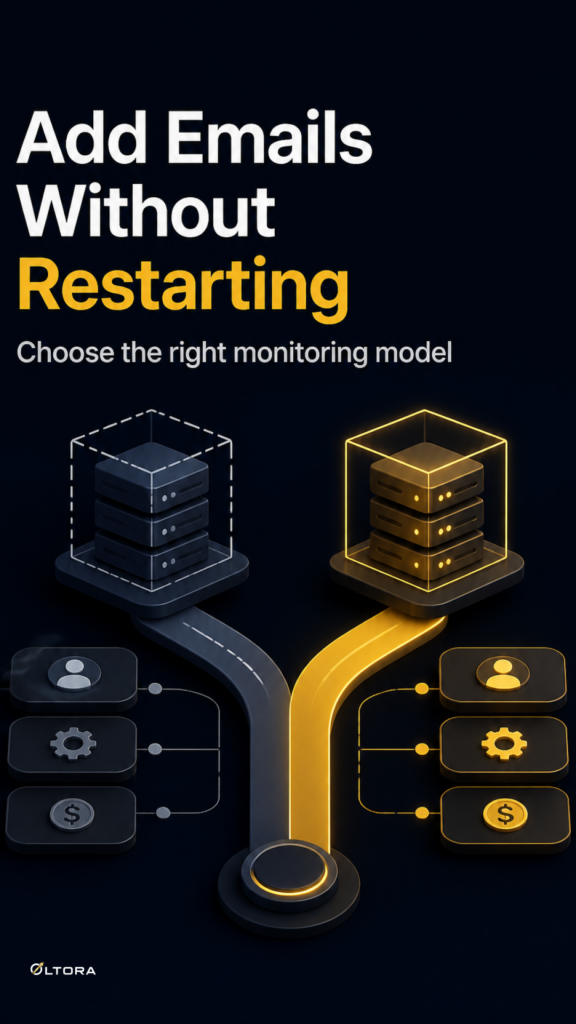
If your competitor list keeps growing, the pressure is not just on the dashboard. It is on the way you pay for monitoring. A WordPress store can reach the default 1,000-product limit and still need coverage for the rest of the annual term. That is where the buying decision becomes more specific: do you add monitored-product capacity to the existing installation, or move to a broader subscription service that folds capacity into the plan?
Oltora Price Monitor – Additional Product Capacity is built for the first option. It adds monitored-product room in 1,000-product increments to one selected WordPress website. It does not renew or extend the annual license. That makes it a useful choice when the problem is capacity, not the underlying setup.
You can review the add-on here: Oltora Price Monitor – Additional Product Capacity.
What this kind of add-on solves
The simplest version of the problem is easy to recognize. Your store needs to monitor more competitor products than the base limit allows, but the current WordPress installation is still the right place to do the work. In that case, a capacity add-on keeps the workflow stable. You are not rebuilding the tool, changing the site, or treating the increase as a new license cycle.
The structure is straightforward:
- Quantity 1 adds 1,000 additional monitored products.
- Quantity 2 adds 2,000 additional monitored products.
- Quantity 3 adds 3,000 additional monitored products.
- Quantity 5 adds 5,000 additional monitored products.
If a site is already monitoring 1,000 products and you add quantity 2, the total becomes 3,000 monitored products on that installation. That kind of stepwise increase is easier to plan than a vague “bigger plan,” especially when the goal is to keep the same site running cleanly until the current annual term ends.
Where the cost model changes
The useful comparison is not only between products. It is between ownership horizons.
Oltora’s capacity add-on is a site-bound increment. You buy more room for a specific WordPress installation, and that room stays active until the expiration date of the current annual license. The upside is clarity: capacity and license timing are separate. The limitation is also clear: the add-on does not replace renewal.
That is different from recurring monitoring platforms such as Prisync, which present competitor tracking as part of a subscription service with plan-based product caps. In a subscription model, the monitoring capacity lives inside the ongoing service relationship. For some teams, that is convenient. For others, it means the cost decision keeps returning to the subscription term rather than to the site that actually needs more room.
Price2Spy follows a similar subscription pattern and also separates some modules and services from the base tier. That matters because it shows the broader market split: some tools ask you to keep paying for a bundle, while others let you add capacity to an existing installation without changing the rest of the setup.
How to choose between the two approaches
The better choice depends on what problem you are trying to solve.
Choose an add-on when:
- one WordPress site has outgrown the default monitoring limit;
- the current installation is still the right place to keep working;
- you want a clean increase in capacity without changing the license structure;
- you only need more monitored-product room through the remainder of the current annual term.
Choose a recurring platform when:
- you want competitor monitoring packaged as an ongoing service;
- you prefer subscription capacity inside one broader platform relationship;
- you expect the monitoring workload to be part of a larger pricing workflow.
That distinction is useful because it keeps the decision honest. If your only issue is product count, a capacity add-on is usually the tighter fit. If you want a service whose pricing and usage live together as one subscription relationship, a recurring platform may fit better.
Why the annual license term still matters
This is the part that often gets overlooked. A capacity upgrade can feel like a permanent expansion, but with Oltora Price Monitor it is tied to the active annual license. That means the timing of the purchase matters as much as the quantity.
Buying extra capacity makes sense when the current license still has useful life left and the site needs more room now. It is less useful if you are hoping the add-on will act like a renewal. It will not. The license still governs whether the monitoring tool remains active.
For a store owner, that separation can be a strength. It lets you scale the watchlist without turning every increase into a new software decision. You add room where the pressure is, and you keep the renewal decision for renewal time.
A practical way to think about the purchase
Before choosing a capacity increase, ask three questions:
- How many competitor products does this one WordPress site actually need to monitor?
- Is the site staying in place, or is the monitoring workflow better handled elsewhere?
- Will the current annual license still cover the period when the extra capacity needs to remain active?
If the answer to the first question is “more than the default limit,” and the answer to the second is “this installation is still the right home for the workflow,” then the add-on is doing exactly what it should. It gives you more monitoring room without changing the rest of the system.
That is a different decision from buying into a broader subscription service. There is no single answer that fits every store. What matters is matching the cost model to the maintenance horizon. If you need a site-specific increase that lasts through the current term, additional capacity is the more direct purchase. If you want monitoring bundled into a recurring platform, subscription tools such as Prisync point in that direction.
The value of Oltora Price Monitor – Additional Product Capacity is its restraint. It solves one problem cleanly: not enough monitored-product room on one WordPress installation. For teams that already know where the work belongs, that can be the most efficient way to keep competitor monitoring moving without disturbing the rest of the setup.