
SEO Strategy
How to set scan frequency without creating noise
Sep
When a tighter schedule feels risky
If you manage pricing, it is easy to hesitate before choosing a faster scan schedule. More checks can sound like more work, more alerts, and more attention spent on changes that may not matter. That concern is reasonable. A monitoring setup only helps if it stays usable for the people who rely on it.
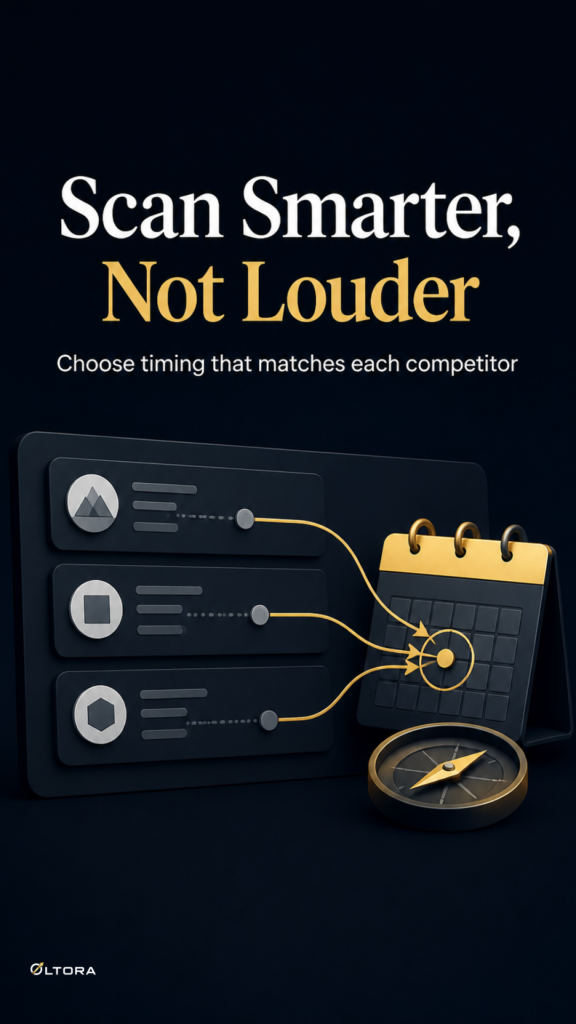
The better question is not whether to scan often or rarely. It is whether each competitor deserves the same cadence. A store that moves around promotions may need a different rhythm from a steadier one. That is where Oltora Price Monitor is built to help: each competitor can have its own scan frequency inside WordPress, so one watchlist does not have to behave like a single block.
The goal is not to monitor everything at maximum speed. The goal is to match scan timing to the decision that a price move affects.
Start with the decision, not the interval
Before choosing a schedule, think about what happens when a competitor changes price.
- If the change would affect a campaign, margin decision, or a weekly pricing review, that competitor probably needs a tighter cadence.
- If the change is useful to know but rarely triggers action, a slower schedule can be enough.
- If the team only needs a daily summary, scanning more often than that may create extra noise without improving the decision.
That simple filter keeps the monitoring setup practical. You are not choosing a scan frequency because it looks thorough. You are choosing it because someone on the team needs the change in time to use it.
Why one fixed cadence often fails
A single interval across every competitor can look neat on paper. In practice, it tends to blur the differences between stores.
Some competitors are worth watching closely because they move quickly or influence your pricing more directly. Others matter as reference points and do not require the same attention. If both are scanned on the same schedule, one of two things usually happens: the fast-moving stores are not checked often enough, or the slower ones generate more data than anyone needs.
That is why per-competitor scheduling matters. Oltora Price Monitor supports scan frequencies such as every hour, every 3 hours, every 6 hours, every 12 hours, every 24 hours, and every 48 hours. The useful part is not the number of options by itself. It is the ability to assign the right rhythm to the right store without splitting the workflow across separate tools.
What a calm monitoring setup looks like
A workable setup usually has three traits:
- The fastest scan settings are reserved for the competitors that can change a decision quickly.
- The daily or slower settings cover stores that only need periodic review.
- The people who need the information can receive daily email summaries without having to live inside the dashboard.
That structure reduces the urge to over-monitor. You can keep the important stores on a tighter watch while letting the rest sit at a pace that matches their role.
It also helps when different people care about different parts of the picture. One team member may want the fuller product-level history. Another may only need the daily digest. A setup that allows both is easier to maintain than one that forces everyone to check the same screen at the same time.
Ownership matters when the watchlist grows
For many teams, the hesitation is really about control. A separate hosted dashboard can feel distant once the watchlist gets bigger, especially if the price history and product records are central to internal pricing work.
Oltora Price Monitor keeps the core monitoring data in the WordPress database on the site where it is installed. That matters when you want the history to stay close to the environment you already manage. You still choose the scan timing per competitor, but you do not give up the place where the records live.
The standard license includes 1,000 monitored products per licensed WordPress installation. If a single site does most of the work, that site can hold the main monitoring load without forcing the rest of the setup to carry it. If you need more room, the capacity upgrade adds additional monitored products to the selected WordPress website without changing the license term.
That separation is useful because capacity and cadence solve different problems. Capacity answers how much you can watch. Scan frequency answers how urgently each competitor needs attention.
How to keep the setup useful after the first review
Once the first schedule is in place, review it against actual use rather than habit. If a competitor keeps producing changes that no one acts on, the cadence is probably too aggressive. If a store keeps moving between checks and the team only notices it too late, the cadence is too loose.
Oltora Price Monitor also lets you review price changes by day, week, last 30 days, or a specific date, which makes that adjustment easier. The dashboard is there to show whether the schedule is helping the team read the market, not just collecting records for their own sake.
A useful monitoring setup does not try to make every competitor equal. It gives the quickest attention to the stores that can affect action first, then keeps the rest visible at the pace they deserve.
If the real concern is control, that is exactly the point: a well-chosen scan frequency protects it. It keeps the watchlist focused, the alerts manageable, and the pricing work tied to decisions that still have time to matter.