
SEO Strategy
When a price-monitoring setup needs a maintenance plan
Sep
When the problem is no longer the limit, but the upkeep
A competitor watchlist can be perfectly workable on the day you expand it and still become awkward later. The site owner may hand the work to someone else, the monitored catalog may be reviewed in batches, or a product group may be split across different priorities. That is where the real question changes. It is no longer only whether the store can track more competitors. It is whether the monitoring setup will still be easy to maintain after the catalog changes shape.
Oltora Price Monitor – Additional Product Capacity is designed for that kind of scaling. Each quantity adds 1,000 additional monitored products to the selected WordPress website, and the extra capacity stays active only until the current annual license expires. If you want the product page itself, you can review Oltora Price Monitor – Additional Product Capacity. The useful part for planning is not just the increase in room. It is how that room behaves when the monitoring workflow has to be changed later.
Why maintenance becomes the real test
Capacity is easy to understand at purchase time. Maintenance is harder to picture. A store that monitors a few hundred products may rarely need to revisit the structure. A store that tracks many more competitors usually does. Someone has to know which website carries the heavier load, where the extra room was assigned, and how close the installation is to its supported maximum.
That matters because the add-on is applied to one selected WordPress installation, not to every website under a license. If your setup includes multiple sites, each one can be managed with a different monitoring count. That flexibility is useful only if it remains readable months later. A site that quietly absorbed extra capacity can be easy to forget when the team changes or when reporting starts to happen elsewhere.
Thinking ahead saves you from a common maintenance headache: buying more monitoring room without keeping a record of which installation actually owns it.
What to check before you expand a live setup
If you are considering extra capacity, the first decision is practical, not technical. Ask which installation is already carrying the work. Then ask whether that same site is likely to remain the main monitoring home for the rest of the annual term. If the answer is yes, a site-specific capacity increase makes sense because it keeps the workflow intact.
It also helps to know the limits of the upgrade itself. Each quantity adds 1,000 monitored products. A quantity of 2 adds 2,000, and a quantity of 5 adds 5,000. Capacity can currently be increased up to 10,000 monitored products per WordPress installation. Those numbers are straightforward, but they become more useful when you think about who will maintain the setup later.
- If one site is already doing most of the price monitoring, keep the extra room there.
- If different activated sites need different workloads, assign capacity deliberately instead of evenly.
- If the catalog is close to the upper range, make sure the planned total still fits the installation’s ceiling.
Why the annual term belongs in the maintenance conversation
The annual license still controls how long the added capacity remains active. The upgrade increases product capacity only. It does not renew or extend the license. That distinction matters most when a setup will need to be audited later by someone who did not place the order.
Without that separation, a team can start treating the add-on like a permanent expansion. It is not. It is a capacity increase tied to the current license term. If the license expires, the added room does not stay available on its own. For a store manager, that means the question is not just “How much more can we monitor?” It is also “How will this installation be handled when the term ends and the setup is reviewed again?”
That question is especially relevant when the monitoring task is shared across staff members. The person who chooses the quantity may not be the one who later inherits the admin work. If the structure is not documented, a future audit can become a guessing game: which site has the larger limit, why it was increased, and whether the add-on was meant to cover a short period or the rest of the current term.
How to keep the setup easy to work with later
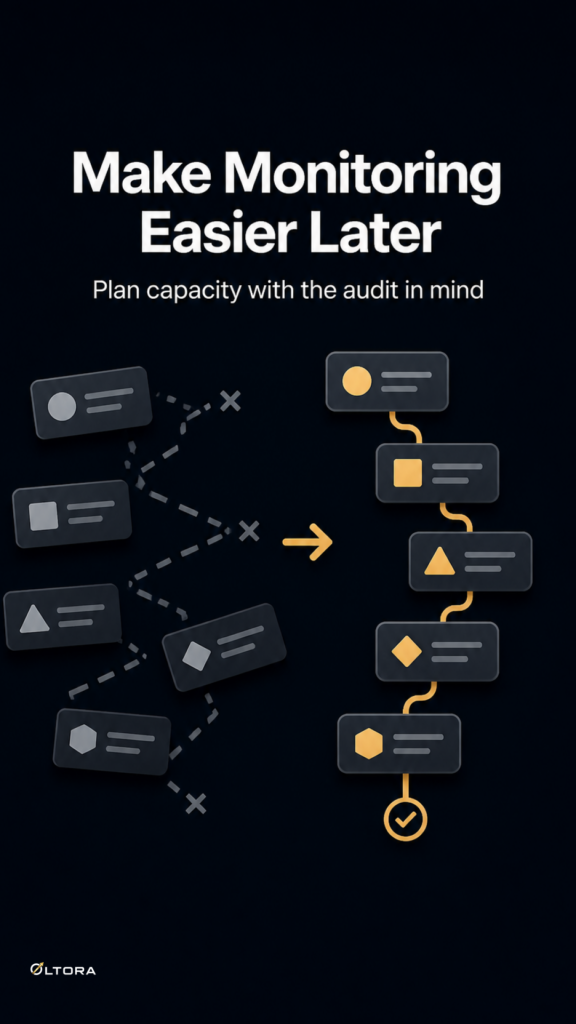
A maintenance-friendly price-monitoring setup is usually the one that can answer three questions quickly: which site owns the extra room, how many monitored products were added, and when the annual term ends. That is enough to keep the workflow clear without overcomplicating it.
For many WordPress ecommerce teams, the most practical approach is to treat extra capacity as part of the site’s operating notes. If one installation has the main competitor watchlist, record the quantity and the reason it was increased. If another installation under the same license stays at the base allowance, leave that distinction visible too. The point is not to create extra admin work. It is to make sure the setup remains understandable after the original decision is forgotten.
That becomes even more useful when you are coordinating with other monitoring tasks, such as product launches, catalog reorganization, or price checks that are handled by different people at different times. A capacity increase should not become a mystery hidden inside the dashboard.
What this upgrade changes, and what it does not
The value of the add-on is narrow but useful. It solves a capacity problem for one selected WordPress website. It does not change the core plugin into a different system, and it does not extend the annual license term. Those limits are part of what keeps the decision clean.
If your main issue is that the site has outgrown the default 1,000 monitored products, this upgrade gives you more room without forcing you to reorganize the whole workflow. If your main issue is future maintenance, the upgrade still helps, because it lets you keep the monitoring structure on the installation that already makes sense. The key is to buy with the later handoff in mind, not just the current need.
That is the real planning advantage. You do not have to guess whether the setup will remain useful. You only need to make sure the added capacity is assigned in a way that will still make sense when someone has to check it again.
For a growing store, that usually means one thing: expand the installation that is already doing the work, keep the annual timing separate, and make the record clear enough that the next audit does not become a rebuild.