
SEO Strategy
Price competitiveness report CSV for growing teams
Sep
When the export exists, but the report still feels unusable
A pricing team can have competitor data inside WordPress and still struggle to use it. The file exports fine. The numbers are there. But if the team has to rebuild what changed, when it changed, and which products matter most, the export becomes another task instead of a working report.
That problem gets sharper as the watchlist grows. A small catalog can survive with a quick manual check. A larger one needs a cleaner handoff: the monitoring system should do the scanning, and the report should do the sorting. That is where Oltora Price Monitor is useful, because it keeps the monitoring history in WordPress and lets you export price analysis to CSV when the data needs to leave the dashboard.
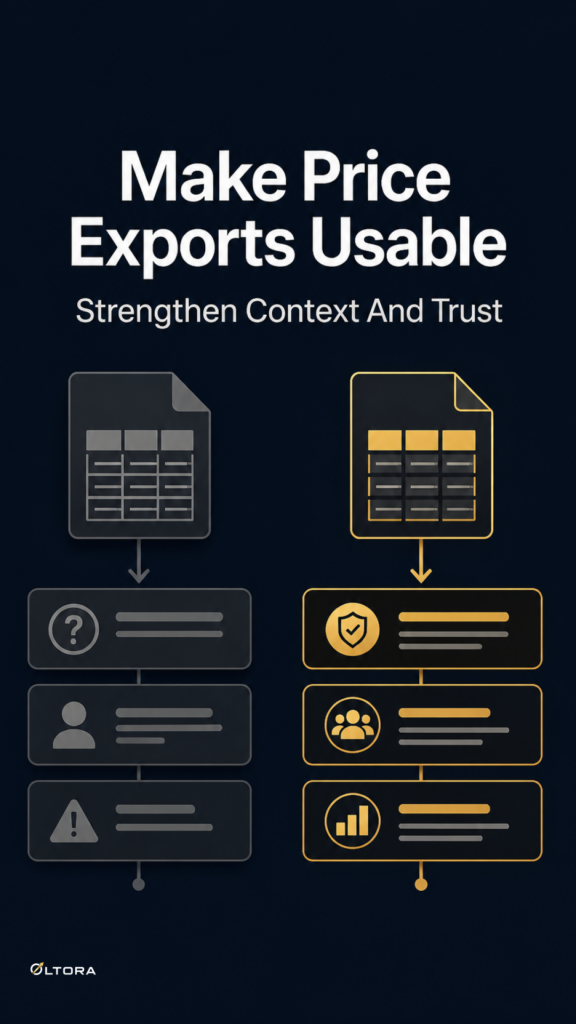
The real question is not whether you can export competitor prices. It is whether the export can carry enough context for a pricing review, a client update, or a commercial meeting without extra cleanup.
Start with the decision the export has to support
A price export should be shaped by the meeting or workflow it serves. A weekly internal review does not need the same slice of history as a one-off check after a competitor promotion. Once a team grows, a single broad export becomes less helpful because different people need different views of the same price changes.
Oltora Price Monitor supports that kind of separation by letting you filter activity by Today, Yesterday, Last 7 days, Last 30 days, or a specific date. That sounds simple, but it is often the difference between a report that lands cleanly and a spreadsheet that someone has to rebuild before they can read it.
For a growing team, the useful habit is to export the smallest slice that still answers the question. If the meeting is about this week’s pricing pressure, exporting a full month may only bury the movement that matters. If the question is whether a competitor has been drifting steadily for several weeks, a single-day export is too narrow to show the pattern.
What a useful export should preserve
A raw price list is easy to misunderstand. A decision-ready export needs enough structure that another person can follow it without rechecking each product page.
- Previous price and current price so the move itself is visible.
- Absolute movement so the change can be read without mental math.
- Percentage change so small and large changes can be compared on the same basis.
- Change direction so increases and decreases do not get mixed together.
- Date of the detected change so the timing is clear.
- Direct product link so the team can confirm the page if needed.
Those fields are especially useful once the watchlist grows beyond a handful of products. A pricing manager may not need to inspect every competitor page if the export already separates the products that moved up from the ones that moved down. The report stops being a data dump and starts acting like a briefing note.
Why the storage model matters more as the work matures
At the first setup stage, teams often focus on whether a tool scans competitor pages at all. Later, the bigger question is where the monitoring record lives and who can work with it.
Oltora Price Monitor is self-hosted for its core monitoring data, which means monitored stores, product records, and detected price-change events stay inside the WordPress database on the site where the plugin is installed. That matters when the workflow becomes shared. If several people need the same history, it is easier to keep the source of truth close to the WordPress site they already use than to rebuild the same record in another system.
It also changes the practical shape of reporting. A team can review price history in WordPress, then export the specific slice they need for analysis, spreadsheet work, or a client summary. The monitoring record stays in place, while the report becomes the disposable layer.
How growing teams usually misuse exports
The mistake is usually not technical. It is operational.
Some teams export everything and expect the spreadsheet to become the report. Others export too little and then spend time cross-checking pages because the movement is missing its context. Both approaches create more work than the dashboard should have created in the first place.
A better process is to treat export as a handoff, not as storage. Use the dashboard to decide which products, dates, and change types matter. Then export the narrowest useful slice. That keeps the report readable for people who were not in the original monitoring session.
That approach is especially practical for agencies or in-house teams that report to someone else. A client or commercial lead rarely needs the whole monitoring history. They need the movement, the date, and the product reference. The more the team grows, the more valuable that restraint becomes.
Daily summaries and CSVs solve different problems
Exports are not the only way to share competitor changes. Oltora Price Monitor can also send daily email digests to multiple recipients, and different competitors can have different recipient lists. That gives teams a clean split between operational review and formal reporting.
In practice, the email digest handles the immediate awareness layer. The CSV export handles the analytical layer. One tells people what moved. The other lets them sort, compare, and file the data into a larger pricing review.
That division matters once more than one person is involved. A pricing manager may want the CSV. An ecommerce manager may want the daily digest. A commercial team may only need a filtered view of a few important competitors. As the workflow grows, the system works best when it does less forcing and more separating.
What to check before you build reporting around the export
If a team depends on competitor exports every week, three checks deserve attention.
First: make sure the export slice matches the decision window. Today’s review and last month’s trend analysis are not the same task.
Second: make sure the export preserves the change, not just the current number. Current price alone is rarely enough.
Third: make sure the monitoring record stays easy to revisit inside WordPress. A report is easier to trust when the underlying history is still accessible in the same environment.
That is the growth-stage shift. A simple setup asks, “Can we track competitors?” A mature setup asks, “Can we keep the tracking usable after several people rely on it?” Export slicing is part of that answer.
When the report needs to become a workflow, not a one-off file
Teams usually notice the need for better exports after the watchlist expands or the reporting rhythm tightens. At that point, the goal is no longer just to capture data. It is to make the data easy to hand off without flattening the meaning out of it.
That is why a price export should be judged by its shape, not by the fact that it exists. If it can isolate the right date range, preserve the move details, and stay tied to the monitoring history inside WordPress, it can support a team that has outgrown casual checking.
Once that happens, the export is no longer a backup file. It becomes the shortest path from competitor change to decision.