
SEO Strategy
Competitor Price Alerts CSV: Keep Exports Usable Over Time
Oct
When a price export stops being useful
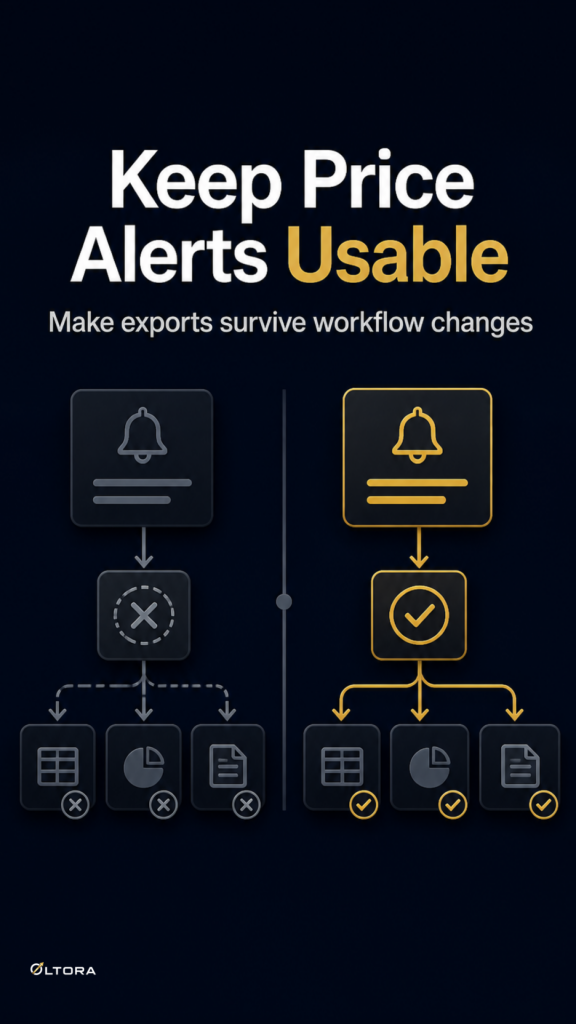
A competitor-price export can look tidy on the day you download it and still become awkward a week later. The issue is rarely the CSV itself. It is that the report no longer matches how the team works now. A pricing manager may need to review changes by day, compare a single competitor, or hand the file to someone who was not watching the original scan. If the export does not carry enough context, the team ends up rebuilding the story by hand.
That is why Oltora Price Monitor matters less as a one-off download tool and more as a monitoring system that keeps the working history inside WordPress. The export is useful when it sits on top of a record that still makes sense months later.
Start with the question the export has to answer
Before anyone opens a CSV, decide what the file is for. A weekly pricing meeting does not need the same slice of history as a quick check after a competitor move. If the team cannot say whether the export is meant for review, analysis, or handoff, the spreadsheet usually grows wider than it needs to be.
For a commercial team, the most practical question is simple: what should someone be able to do with the file without opening the dashboard again? If the answer is “see what changed, when it changed, and which product it affected,” then the export has to preserve enough change context to survive that handoff.
Keep the change context, not just the current price
A bare list of current prices is hard to defend in a meeting. It tells you where a competitor is now, but not how they got there. When the team is trying to understand a move, the file should preserve the details that make the change readable later.
- Previous price
- Current price
- Absolute movement
- Percentage change
- Change direction
- Date of the detected change
- Direct link to the competitor product page
Those fields turn the export into a record, not just a snapshot. If a teammate checks the file after the fact, they can still see whether a competitor increased or decreased a price, how large the movement was, and which product page should be checked for confirmation.
Use filters before you export, not after
One of the easiest ways to make a report unreadable is to export too much at once. The useful slice depends on the decision. Today, Yesterday, Last 7 days, Last 30 days, or a specific date can each tell a different story. A daily alert review needs a narrow slice. A client summary or internal analysis may need a longer window.
This is where a self-hosted WordPress workflow has a practical edge. The monitoring history lives where the team already works, so the same record can be filtered by date without moving the core data into another system. That makes it easier to rebuild a useful report later, even if the person reviewing it changes.
Why the storage model affects maintenance
Once a team starts relying on competitor-price exports, the real maintenance risk is not file format. It is data location. If the monitoring history sits outside your WordPress setup, the export may be easy today but harder to audit later. If the history stays inside WordPress, the team can re-check the same record, adjust the date slice, and compare changes without hunting through another dashboard.
That matters when the workflow changes. People leave, responsibilities move, and the original person who created the report is not always the one who needs it next month. A local WordPress record is easier to keep aligned with the site and the people who manage it. The report stays tied to the same environment that produced it.
Keep team handoffs simple
Exports are often used because not everyone needs the dashboard. A pricing manager may care about the full history, while an ecommerce manager only needs the daily movement. If both people depend on the same report, the file should be easy to interpret without a long explanation.
Daily email digests and CSV exports solve different problems. The digest keeps the right people informed. The export lets someone inspect the numbers more closely or move them into another workflow. Treating them as separate tools helps the reporting process stay cleaner over time.
Watch for the point where the workflow gets heavier
Competitor monitoring becomes fragile when the team has to keep patching the report around the workflow instead of letting the workflow support the report. That usually shows up as repeated cleanup: renaming columns, re-filtering the same date range, or merging files because no one trusts the first cut.
With Oltora Price Monitor, the practical safeguard is to keep the monitoring data, product records, and detected price-change events inside WordPress, then export only the slice the team actually needs. The result is easier to audit later because the source record is still there if someone needs to check a date, a product, or a change direction again.
The point is not to collect more spreadsheet rows. It is to keep the same competitor-price history readable after the report has already left the dashboard.