
SEO & Link Building
How to Clean Up Outdated Competitor Price Records Without Breaking Your Reporting History
Oct
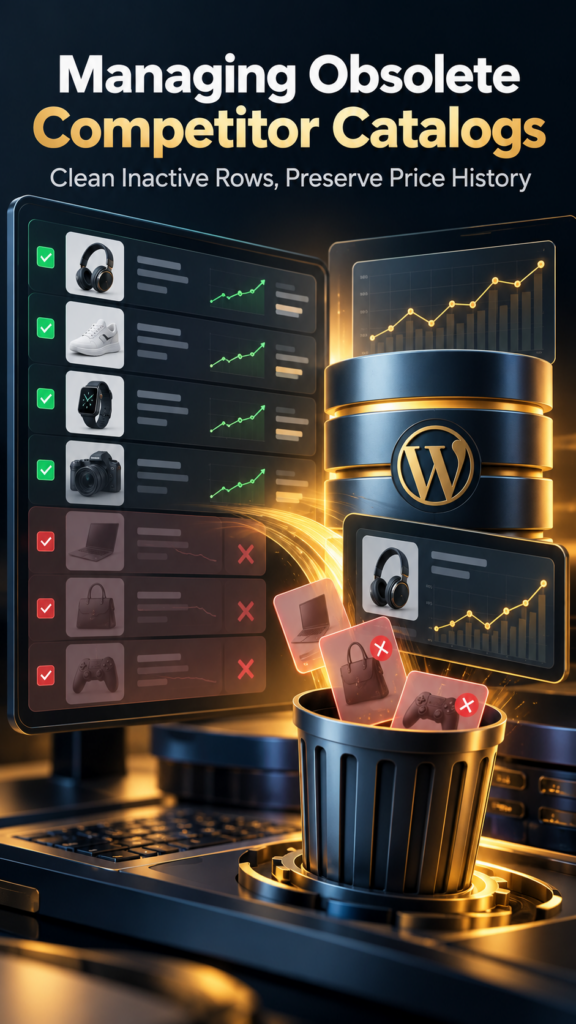
Managing Obsolete Competitor Catalogs in Your Database
When rival stores drop items, restructure categories, or discontinue product lines entirely, your local monitoring database inevitably accumulates orphaned pricing rows. Left unmanaged, these inactive records clutter dashboard views and distort historical trend reports. The underlying architecture relies on keeping local store records directly inside WordPress, meaning old catalog entries remain stored alongside active product histories until an administrator cleans them out. Understanding how this data is structured helps prevent bloated tables while preserving the specific change events your commercial team relies on for weekly reviews.
Many site administrators make the mistake of deleting entire competitor profiles when a single product category shifts, losing months of accumulated tracking data. A more sustainable approach uses tools like the Oltora Price Monitor – Competitor Price Monitoring Plugin for WordPress to isolate individual product listings, review their last active scan dates, and prune only the records that no longer serve a pricing purpose.
Identifying Inactive Catalog Entries Before Deletion
Before removing stale rows from your tracking tables, verify whether a product is temporarily out of stock or permanently retired by the competitor. Running a manual scan on specific competitor catalogs can confirm whether a URL returns a 404 error or simply hides a seasonal listing. Reviewing product thumbnails, SKUs, and last-changed timestamps directly in the dashboard ensures you do not purge items that are merely undergoing temporary price adjustments.
- Check the last completed scan timestamp for each stagnant product record.
- Confirm whether the target competitor URL still resolves to a valid product page.
- Filter dashboard views by date ranges such as the last 30 days to spot dormant items.
- Export current price analysis data to CSV as a local archive before executing bulk cleanups.
Preserving Historical Movement During Database Maintenance
Because self-hosted plugins store all product records and detected price-change events within the local WordPress database, routine cleanups directly impact available storage and query performance. When removing discontinued competitor items, ensure that absolute price movements and percentage change logs for active core products remain untouched. Setting clear review intervals for your monitoring watchlist prevents obsolete entries from accumulating in the first place, keeping export files streamlined for the commercial team.