
SEO Strategy
Restoring Competitor Price Tracking After an Annual License Expiration
Oct
When Competitor Monitoring Pauses Unexpectedly
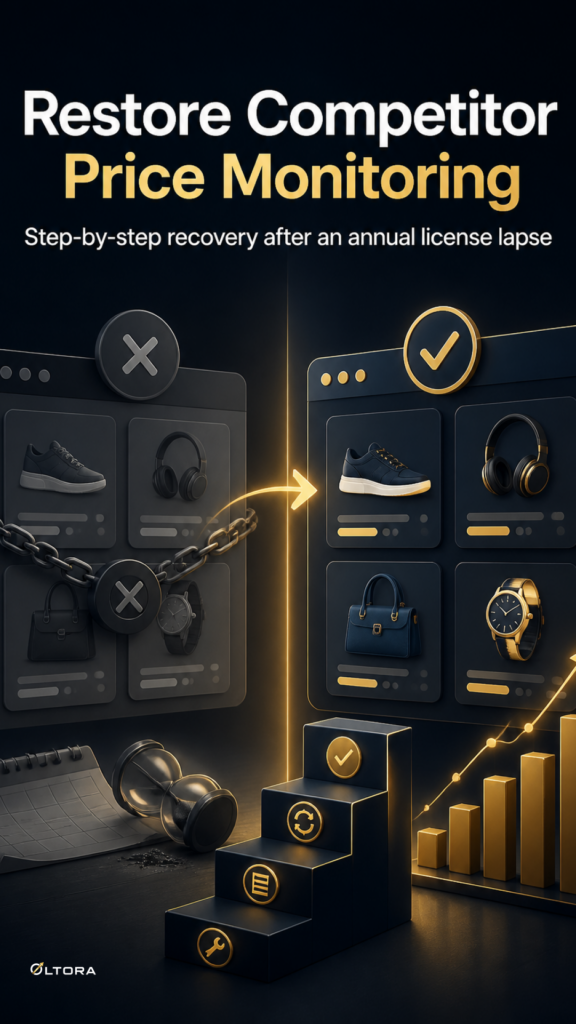
An expired annual commercial license brings automated competitor tracking to a sudden halt. For ecommerce managers preparing for a quarterly pricing audit or a major promotional push, discovering that scan queues are locked can disrupt daily operations. When an annual renewal lapses, core features such as automated checks, scheduled scans, price analysis interfaces, and email notifications pause until a valid license is reactivated. However, the system architecture preserves your historical data during the lapse, meaning your local database records remain intact rather than getting purged.
Understanding what happens during a license lapse helps technical teams separate temporary feature restrictions from permanent data loss. Using the Oltora Price Monitor – Competitor Price Monitoring Plugin for WordPress means that even when monitoring is paused due to an expired term, your historical price movements and monitored store entries stay safely inside your WordPress database while communicating with Oltora HUB for validation.
What Happens to Your Data and Features During a Lapse
When an annual license expires, the plugin restricts access to active monitoring tools and updates while keeping your underlying database intact. Knowing the exact boundary between paused features and preserved records prevents unnecessary administrative panic:
- Scheduled Scans: Automated cron execution pauses, halting fresh competitor checks. Competitor store URLs remain listed, but background updates do not run.
- Analysis Interfaces: Historical price changes, absolute movements, and percentage shifts remain visible or locked depending on license validation status, but new comparison events cannot be logged until renewal.
- Team Digests: Daily email summaries stop sending out to departmental recipients because scheduled background dispatches require an active license.
- Local Database Storage: Monitored stores, product records, and historical price-change events stored in your local WordPress database are not intentionally deleted.
The Clean Reactivation and Recovery Path
Restoring full monitoring functionality requires validating a new annual commercial license through your account connection with Oltora HUB. Once the valid license is recognized by the system, active feature access returns immediately. Rather than needing a complete reconfiguration of your competitor watchlist, your existing store URLs, SKUs, and configuration settings remain in place.
After renewing, check your scheduled cron environment to verify that background queues resume properly. If your hosting environment experienced prolonged cron delays during the lapse, you can trigger a manual check by clicking ‘Scan now’ on key competitor entries to pull fresh pricing data immediately while waiting for the next scheduled interval.
Verifying Historical Logs and Resuming Team Digests
Once monitoring is active again, confirm that your historical logs align with recent market shifts. You can filter dashboard activity by Today, Yesterday, Last 7 days, Last 30 days, or a specific date to inspect how prices moved while tracking was paused. If your team relies on daily email summaries routed to different department stakeholders, verify that recipient lists and notification rules are still correctly assigned to each monitored store before the next automated dispatch window.