
SEO
Auditing Listing Photo Lighting Long After the MLS Launch
Nov
Auditing Listing Photo Lighting Long After the MLS Launch
When a residential listing goes live on the MLS, the initial photo gallery usually looks sharp, bright, and polished. However, months into a marketing campaign, seasonal sunlight shifts can expose hidden flaws in those published images. Natural light angles change, interior shadows deepen, and color casts that went unnoticed during the initial push can make a gallery feel dated or inconsistent. Conducting a periodic visual audit helps real estate agents catch these subtle degradations before they cause prospective buyers to hesitate. This workflow is available in Real Estate Photo Enhancement, Decluttering & Virtual Staging.
Many agents assume that once a property photo is published, its presentation is permanently locked in. In practice, visual standards drift as competing listings raise the bar across local portals. Reviewing your live galleries requires looking past simple brightness levels to inspect how exposure pipelines, color balance, and shadow density hold up under changing natural conditions. When dim corners or muddy color casts start creeping into your published sets, deciding which rooms need professional Real Estate Photo Enhancement, Decluttering & Virtual Staging becomes an essential maintenance task.
Identifying Seasonal Color Casts and Mixed Light in Live Galleries
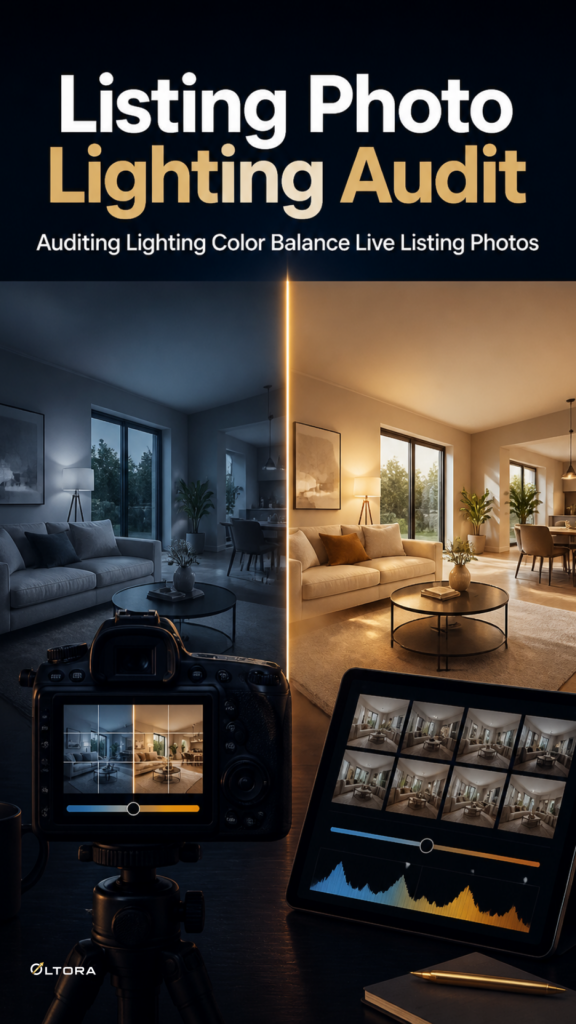
The most common issue that emerges during a post-launch listing audit is mixed lighting. When exterior sunlight interacts with interior incandescent or LED bulbs, unexpected color temperatures often appear across different corners of the same room. A living room that looked balanced in mid-summer may display harsh blue window glare contrasting against warm, muddy interior tones as autumn sun angles drop.
To spot these shifts, examine your gallery across multiple devices and look for specific warning signs:
- Uneven White Balance: Window frames and adjacent walls display clashing yellow and blue tints that look artificial.
- Crushed Shadows: Furniture bases and architectural trim lines dissolve into muddy dark patches where exposure correction was insufficient.
- Blown Highlights: Exterior views through double-paned glass appear as stark, featureless white rectangles instead of soft natural scenery.
Recognizing these discrepancies prevents your listing from looking neglected. If a gallery features mixed color temperatures or dim interiors, standard enhancement services starting at $15 for one image can re-establish clean exposure without altering the underlying room architecture.
Deciding Between Targeted Retouching and Full Reshooting
When an audit reveals that several photos in a live listing no longer meet professional presentation standards, agents face a practical dilemma: should you coordinate an expensive on-site reshoot, or submit existing master files for targeted post-processing? Scheduling another physical photography session introduces scheduling delays, tenant friction, and additional capture fees.
Managed editing workflows provide a streamlined alternative for updating live listings. Rather than capturing new images from scratch, you can supply your original high-resolution JPG, JPEG, or PNG files along with clear improvement instructions. This approach allows you to correct lighting, exposure, and color balance across specific rooms while keeping the rest of the portfolio intact.
When preparing files for a post-launch adjustment, keep these operational guidelines in mind:
- Avoid Screenshots: Never submit heavily compressed social media crops or mobile screenshots, as quantization artifacts destroy subtle wall and ceiling gradients during exposure corrections.
- Maintain Angle Consistency: If you are updating a multi-angle room set, specify that lighting adjustments must match across all views to prevent visual jumping as buyers click through the gallery.
- Preserve Permanent Features: Clearly note architectural elements, built-in fixtures, and permanent layouts that must remain unchanged during enhancement.
Executing Post-Launch Updates Without Disruption
Updating live listing photos requires a structured handoff to ensure the revised files match your active marketing channels. When you place an order online for professional enhancement, you will receive an order confirmation email from support@oltora.com. Replying directly to that message with your source assets and precise instructions keeps your project organized and connects your edits directly to your purchase record.
For standard maintenance batches, turnaround times typically range from 1 to 2 business days for 1 to 5 images, scaling to 2 to 3 business days for 6 to 10 images. This rapid turnaround ensures your active MLS listings and digital marketing portals experience minimal downtime while your visual presentation is brought back up to standard.