
Custom Development
How to Review Blocked WooCommerce Transactions During Monthly Store Audits
Nov
When a WooCommerce store has been live for several months, running routine maintenance requires looking beyond basic database backups and plugin updates. Store administrators frequently encounter a quiet operational question during these review windows: are the security filters catching legitimate threats, or are rigid rules generating unnecessary friction for real shoppers? Without inspecting recent logs, it is easy to assume that every blocked event represents active fraud. In reality, static rules can sometimes misclassify edge cases or miss subtle shifts in customer buying behavior.
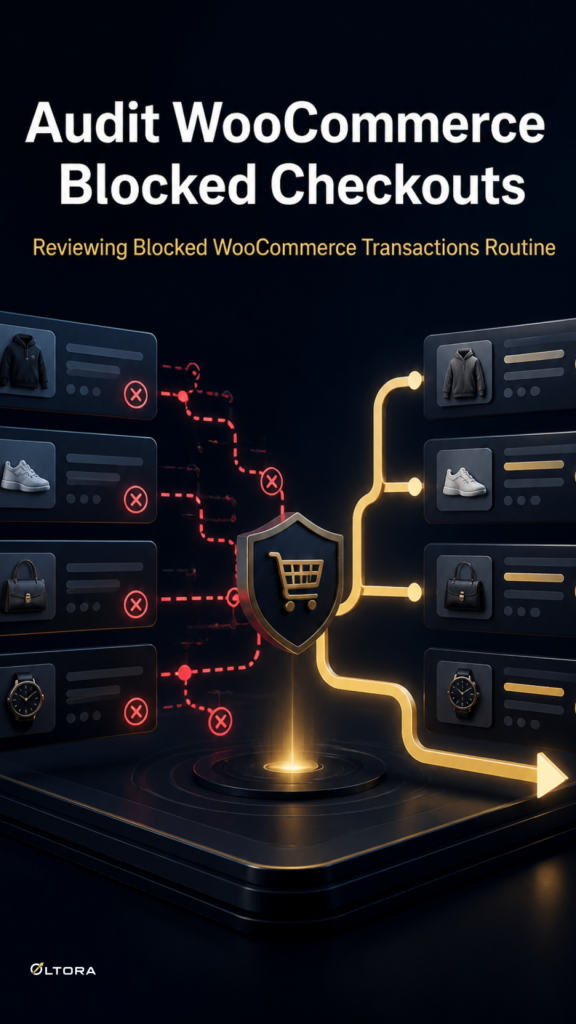
Conducting a structured audit of blocked checkout events helps store teams verify whether their protection settings are working efficiently. Instead of waiting for a sudden surge in customer complaints or disputed charges, a periodic review of your integration environment ensures that your store maintains a clean balance between safety and checkout speed.
Why Monthly Audit Logs Matter for Store Security
During normal operations, basic security filters run quietly in the background to stop obvious anomalies. However, local background screening alone does not always provide enough visibility into why specific orders were flagged or rejected. When odd checkout patterns appear repeatedly, administrators need a clear way to examine historical records without guessing at the underlying causes.
Inspecting your integration audit logs during routine maintenance windows allows you to check whether repeat offenders are returning with similar IP ranges, email variations, or shipping details. If your review shows that legitimate transactions are occasionally caught in the crossfire, you can adjust your parameters before those blocks impact your conversion rates.
Reading Blocked-Transaction Logs Effectively
A productive audit relies on examining specific fields within your recorded checkout events rather than skimming raw data counts. When reviewing your security logs, focus on these core operational signals:
- Repeat Identifiers: Check whether multiple blocked attempts share identical IP addresses, phone numbers, or subtle email variations.
- Order Velocity: Look for tight clusters of failed checkouts arriving in rapid succession using similar customer details.
- Address and Location Consistency: Compare regional shipping inputs against known billing profiles to identify automated card-testing probes.
- Trigger Context: Determine whether an order was halted by local background parameters or external signal layers.
When these checks reveal persistent abuse from the same actors, relying solely on passive screening is often no longer enough. Merchants facing recurrent fake orders frequently upgrade to OrderFort Premium for WooCommerce | Advanced Fraud Protection by Oltora, which unlocks a dedicated Activity screen to review blocked events directly inside the dashboard, alongside IP and blocklist controls to manage repeat threats with precision.
Refining Rules and Managing Blocklists
Once you have reviewed your logged security events, the next operational step is cleaning up your active rules. Over time, static blocklists can accumulate outdated entries that no longer reflect current traffic patterns. Pruning stale IP ranges and updating your exception rules ensures that genuine customers experience a smooth checkout flow.
If recurring threat actors continue targeting your catalog using rotated details, implementing direct administrative controls allows you to apply temporary or permanent blocks to specific addresses, phone numbers, or email patterns. Combining a dedicated review workflow with proactive blocklist management keeps your store protected without adding administrative noise to your daily fulfillment queue.