
SEO Strategy
How to update banner text without rebuilding the design
Aug
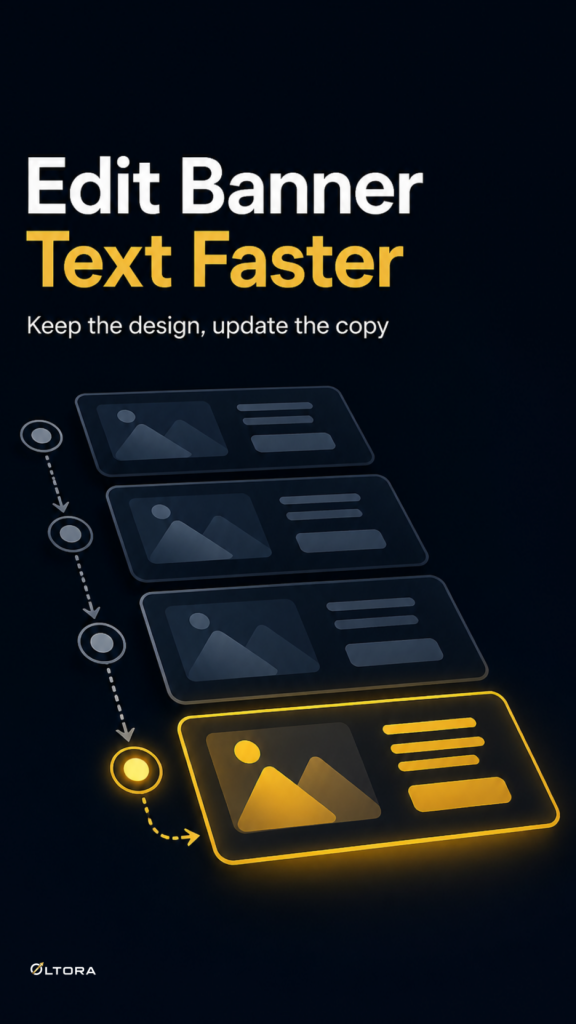
When the text changes, the design should not have to
A banner can be finished on the visual side and still become a problem the next time a page changes. A seasonal phrase needs replacing. A category introduction needs tightening. A product page needs a different call to action. If every edit means reopening the image file, the banner stops being a reusable page element and turns into a small production project.
That is the exact friction Banneretor – Custom Banner Plugin for WordPress & WooCommerce is built to remove. It lets you keep the text separate from the image, then edit that text directly inside WordPress. For site owners and editors, that means the graphic can stay intact while the wording changes with the page.
This matters most when a banner is already doing its job. The issue is not the layout. The issue is that the message needs to move faster than the artwork. When text and design are tied together too tightly, even a small update can delay publishing or force a rushed visual rewrite.
A simple before, during, and after workflow
Picture a WooCommerce category page that already has a custom banner. The image works. The spacing works. The page introduction works. But the category has shifted from a broad launch message to a more specific collection note, and the text needs to be rewritten.
Before, that usually meant sending the banner back to design. Someone would need to open the image, change the wording, export a new version, upload it again, and replace the old file. If the page appears in more than one place, the same change may need to be repeated across those placements too.
With Banneretor, the editor can keep the banner structure in place and update the copy directly in WordPress. The practical difference is small on paper and large in routine work: the visual stays steady, while the text can follow the page’s current purpose.
That is especially useful when the page message changes more often than the core design. A promotion can be short-lived. A category label can become more specific. A product page banner can need a cleaner line of text without the rest of the composition changing.
What stays the same, what changes
The useful split is easy to understand:
- The image stays as the visual frame.
- The text changes inside WordPress.
- The banner can keep its layout without needing a fresh graphic file.
- The page can be updated without interrupting the whole design process.
That separation is the main workflow advantage. It gives editors a way to make the page current without creating extra work for the design side.
When this workflow saves the most time
Updating banner text directly in WordPress is most helpful when the banner belongs to a page that evolves in small steps rather than all at once. A WooCommerce category may need a revised introduction. A blog post may need a cleaner lead-in. A product page may need a different emphasis after the copy has been refined.
Banneretor also supports banners on WordPress pages, posts, WooCommerce products, and categories, so the same workflow can be used across different parts of the site. That means the editor does not need a separate process for every page type just because the message changed.
There is another practical benefit. Banneretor includes image-and-text layouts, four-image grid layouts, and image-only banners. That gives teams room to choose the format that fits the page, then handle the text in a more controlled way. For a category introduction, an image-and-text layout may be the most direct option. For a collection or brand presentation, a four-image grid can carry more visual structure. If the graphic is already complete, an image-only banner avoids unnecessary rebuilding.
The point is not to use more design for its own sake. The point is to avoid turning a copy edit into a design rebuild.
A better handoff between content and design
Most banner problems are not really about visuals. They are about workflow. Someone wants to adjust the message, but the design is locked up in the wrong place. Someone else wants to keep the site looking consistent, but the update path is too slow to support that consistency.
Banneretor helps by keeping the banner editable inside WordPress. Editors can update headings, paragraphs, links, lists, bold text, italic text, and calls to action without leaving the content area. That makes the banner more like a maintained page component and less like a static graphic that has to be recreated every time the wording changes.
If your site uses banners on categories, product pages, or blog posts, that difference matters. A banner can stay polished and still be easy to maintain. The trick is to treat the design as stable and the message as flexible.
How to avoid rebuilds in practice
A clean workflow usually looks like this:
- Create the banner layout once.
- Keep the artwork stable if the visual still works.
- Change the text directly in WordPress when the message shifts.
- Duplicate the banner only when a similar design needs to appear elsewhere.
- Use a different layout only when the page job actually changes.
That last point matters. Reusing a design is useful, but not every edit should become a duplication job. If only the wording needs to change, the banner text should be the part that moves first.
For teams that manage several page types, Banneretor’s copy feature can also help when a banner design needs to be reused with small adjustments. You can duplicate an existing banner, keep the structure, and update the text for another page or category. That is different from rebuilding a graphic from scratch and is often the cleaner step when the layout already fits.
If the real problem is a page that needs a stronger visual introduction, a more targeted banner can help. But if the banner already works and the wording just needs to change, the easier path is to keep the image and edit the text where the site is already managed.
The practical takeaway
Banner text should be easier to change than banner artwork. When those two things are separated, you can keep the page current without dragging every update back through design. That is the kind of maintenance workflow that saves time quietly: fewer file swaps, fewer repeated exports, and fewer delays when the message changes.
For WordPress and WooCommerce sites that use banners as part of the page structure, that is the real value of Banneretor. It keeps the visual steady and makes the copy editable where the site is already being run.