
SEO Strategy
How to duplicate and reuse a banner design across multiple locations
Aug
How to duplicate and reuse a banner design across multiple locations
A banner that works well in one place should not become a rebuilding job every time you need it elsewhere. If the structure is approved, the real question is how to reuse it without making every page feel identical.
For WordPress and WooCommerce site owners, that usually comes down to three choices: rebuild the banner from scratch, copy the design and adjust it, or change the page strategy so the original banner never needs a second location. In most cases, the middle option is the cleanest.
Banneretor – Custom Banner Plugin for WordPress & WooCommerce is built for that workflow. It lets you create banners for pages, posts, products, and categories, duplicate an existing banner, update the parts that should change, and assign the copy to a new location inside WordPress.
Compare the two banner workflows
There are two common ways to handle a banner that needs to appear in more than one place.
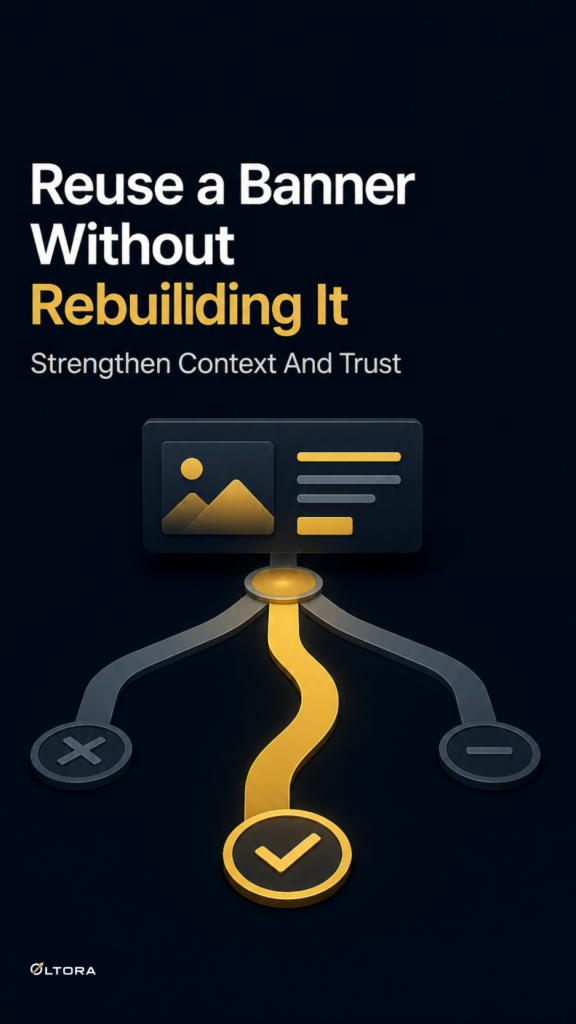
Rebuild each version manually. This gives maximum freedom, but it also creates more room for inconsistency. Small spacing changes, slightly different image choices, and repeated design work can make the banner system harder to manage over time.
Duplicate and adapt the existing design. This keeps the structure stable while letting you edit the details that belong to the new page, product, or category.
For sites that publish often, the second option is usually easier to maintain because it preserves the useful parts of the design while reducing repeat work.
What should stay the same, and what should change
When you reuse a banner, treat it as a controlled variation, not a copy-paste clone.
The stable parts are usually the ones that define the design family:
- overall layout
- image placement
- text and visual balance
- full-width or centered presentation
The parts that usually need adjustment are the ones tied to the destination:
- banner copy
- images from the WordPress Media Library
- call to action
- page, post, product, or category assignment
That balance lets a banner stay recognizable without becoming generic.
Use duplication when the page family shares one structure
Duplication works best when the destinations belong to the same kind of content.
- A product category page may need the same introduction logic as another category page.
- A seasonal campaign may need one visual family adapted for different products.
- A blog series may need repeated styling without repeated wording.
- A brand presentation may need consistency across several related pages.
If the new location needs a completely different role, a new banner concept may be a better fit. But if the structure already works, duplication keeps the system efficient.
Why WordPress-native duplication matters
Banneretor keeps banner management inside the WordPress administration area, so you do not need to switch to a separate tool just to make a second version of a banner. You can duplicate it, adjust it, and publish it from the same place.
That matters when banners are part of a live publishing workflow. A category page may need a related introduction now. A product page may need a matching visual later. A post may need a consistent banner style that follows the same rules as another article. When the tools stay inside WordPress, reuse is easier to control.
How Banneretor handles reuse
With Banneretor, you can duplicate an existing banner, replace the text or images, and assign the copy to another page, post, product, or category. The plugin also supports different banner formats, so reuse does not force every page into the same look.
That means an image-and-text banner can stay an image-and-text banner, or you can switch to a four-image grid or an image-only banner when a different structure is more appropriate for the destination.
A simple decision before you copy
Before duplicating a banner, ask three questions:
- Does this new location need the same structural logic as the original?
- Can the banner keep its visual identity while the message changes?
- Will the copied banner feel connected without feeling repetitive?
If the answer is yes, duplication is probably the right move. If not, build a different banner concept for the new location.
Assign the copy deliberately
A duplicated banner is only useful if it ends up in the right place. Banneretor lets you assign banners to WordPress pages, blog posts, WooCommerce products, WooCommerce product categories, WordPress categories, and supported public taxonomies.
That flexibility makes reuse practical, but it also means the destination should guide the final edit. A banner that works for a category page may need a different balance on a product page. A banner built for a blog post may need a different presentation in a WooCommerce archive area.
The point is not to make every page look the same. The point is to keep the design consistent where it helps and specific where it matters.
If you want to see how Banneretor handles banner creation, duplication, and assignment inside WordPress, start here: Banneretor – Custom Banner Plugin for WordPress & WooCommerce.