
SEO Strategy
WooCommerce Archive Loading: Theme Built-In vs Plugin Control
Sep
When archive loading becomes a cost decision
A WooCommerce shop can look fine on page one and still become awkward to browse once the catalog grows. The products may be good. The problem is the path through them. If shoppers keep clicking into items and then losing their place when they return, the browsing model starts costing attention.
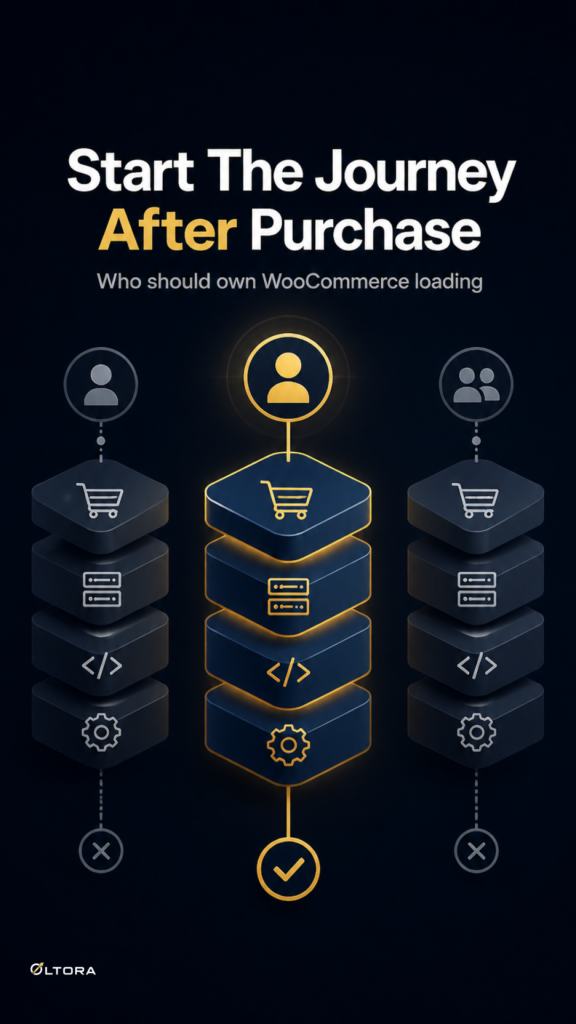
That is where the decision shifts from design preference to ownership. Theme-built loading can be convenient when you are setting up a store quickly, but it can also be harder to govern if you want specific behavior on the shop page, category archives, or tag pages. A plugin-managed setup gives you a separate control layer for the archive itself.
For store owners who want that control inside WordPress, Scrolletor – WooCommerce Infinite Scroll Plugin adds infinite scroll or a Load More button and can restore previously loaded products after the browser Back button.
What you are actually paying for
The cost question is not only the purchase price. It is the cost of ownership over time: what stays tied to the theme, what needs ongoing adjustments, and what happens when the browsing behavior should change later.
With a theme-provided loading pattern, you may get the feature as part of a broader setup. That can feel efficient at first. The tradeoff is that archive loading, layout, and other front-end choices may be more tightly coupled. If you later want a different loading model, a limit on how many pages load, or better return behavior after a product click, the change can become less isolated.
A dedicated plugin changes that equation. Instead of treating product loading as a side effect of the theme, you treat it as a catalog behavior with its own settings. Scrolletor is built for that role. It works on the WooCommerce shop page, product categories, and product tags, and it can update the browser URL as customers move through the catalog.
Where a dedicated plugin earns its keep
For large or active catalogs, three details matter more than the headline feature:
- how products are loaded
- how far the page is allowed to load in one visit
- what happens when the shopper goes back to the archive
Scrolletor addresses all three. You can use automatic infinite scroll or a Load More button. You can set a maximum number of pages to load during one visit. And you can restore previously loaded products after the browser Back button, so the catalog does not feel like it restarted from scratch.
That last point is easy to overlook until you need it. A shopper who opens a product from page 8 should not have to reassemble the page just to continue comparing options. If the catalog remembers the archive, the pages already loaded, the scroll position, and the previously selected product, the return trip feels continuous rather than accidental.
Why URL updates matter in the same decision
Archive loading is not only about visual movement. It is also about whether the page still behaves like a page. Scrolletor can update the browser address during scrolling, which helps the current archive state stay visible to the user. For store owners, that matters because it gives the scrolling flow a clearer sense of place.
This is one of the reasons theme-provided loading and plugin-managed loading are not equivalent. A theme feature may load more items, but that does not automatically mean it will also manage archive state, URL updates, and return behavior in a way that stays easy to maintain. If those pieces matter to your browsing flow, the plugin is doing more of the work you actually need.
How to compare the options without overbuying
A practical comparison starts with the job the archive must do.
If your store has a small catalog and shoppers rarely browse deeply, a lighter setup may be enough. If your catalog is larger, or if shoppers regularly move from category pages into product pages and back again, the browsing model becomes more important than the visual effect.
It also helps to compare the control surface, not just the feature list. Ask whether you need:
- automatic scrolling or a Load More button
- support for shop, category, and tag archives
- a way to limit how many pages load
- catalog restoration after Back button use
- browser URL updates during scrolling
Scrolletor includes those controls in a WordPress-native plugin. It is also offered with a lifetime license, which changes the ownership horizon for stores that prefer a one-time purchase instead of another recurring tool. That does not make it the right fit for every site, but it does make the cost model clearer if you want the browsing behavior owned by the store rather than spread across separate subscriptions.
Where plugin-managed loading is easier to justify
There is a point where the extra control is worth more than the convenience of a built-in theme feature. That point usually arrives when one of these is true:
- your catalog is large enough that numbered pagination is slowing discovery
- shoppers compare products and need the back button to preserve context
- you want the loading behavior on some archives but not others
- you need a Load More button instead of automatic scrolling
- you want the archive URL to reflect the current browsing state
At that stage, the plugin is not a decorative add-on. It is the thing that keeps the archive usable.
For stores that want a comparison point outside the plugin itself, WooCommerce offers plugin-managed archive-loading extensions such as Ajax Pagination & Infinite Scroll and Ajax Infinite Scroll, while Product Listing Page | List/Grid View combines listing controls with scroll, load more, and pagination options. Those comparisons help clarify the broader market: some tools bundle loading with other listing features, while Scrolletor focuses on catalog loading and restoring the shopper’s place.
What this means for your store
If your main concern is simply having infinite scroll, a theme feature may seem adequate. If your concern is keeping the archive controllable as the store grows, the better question is whether the theme should own that job at all.
A plugin like Scrolletor makes the browsing model easier to isolate. You can choose automatic infinite scroll or a Load More button, limit how much loads in one session, and preserve the catalog state when shoppers come back from a product page. That is a cleaner ownership model for stores that care about both browsing flow and maintenance over time.
If your WooCommerce archive has started to feel like a long hallway instead of a useful product list, that is usually the sign to move loading behavior into a tool made for it.