
Scrolletor – WooCommerce Infinite Scroll Plugin
$12.99
Add WooCommerce infinite scroll or a Load More button and restore previously loaded products after the browser Back button.
Shop, category and tag support · English & Italian · Lifetime license
Description
Add Smarter Infinite Scroll to WooCommerce
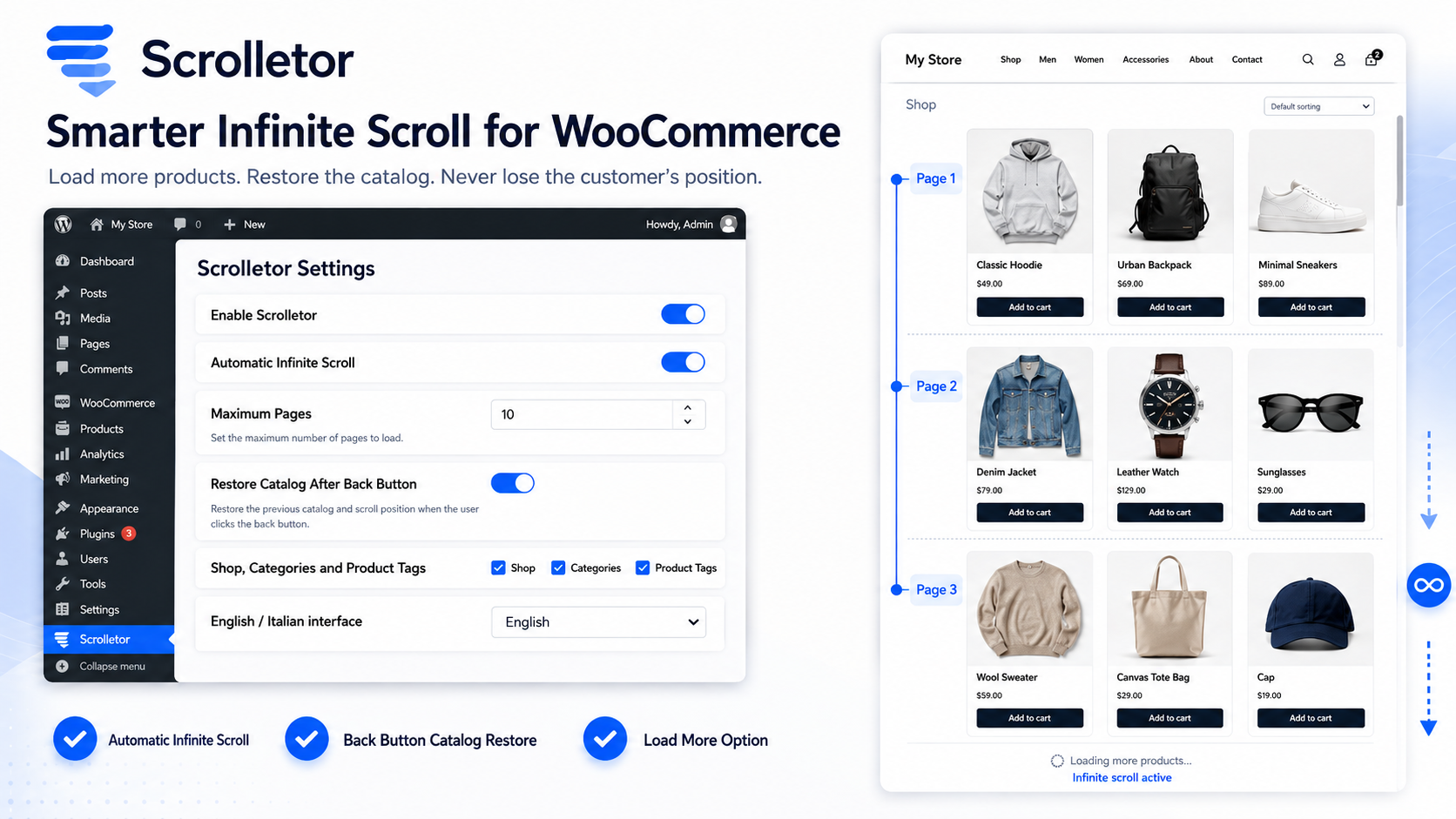
Scrolletor is an infinite scroll and product loading plugin for WordPress and WooCommerce designed to create a smoother catalog browsing experience.
Automatically load additional products as customers scroll, use a Load More button or limit how many catalog pages can be loaded during a visit.
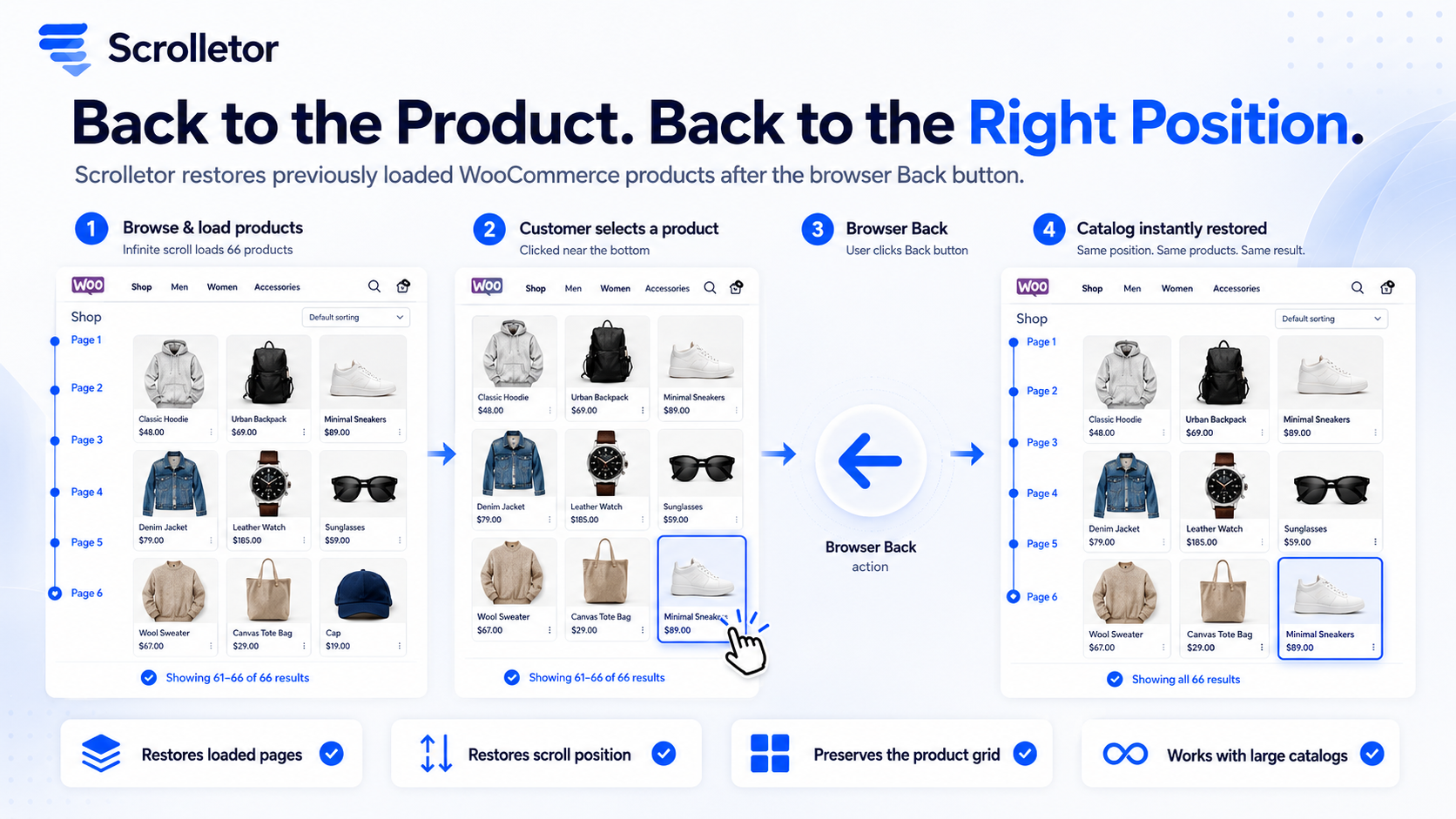
Scrolletor also helps restore previously loaded products when a customer opens a product and returns to the catalog using the browser Back button.
WooCommerce Infinite Scroll That Remembers the Catalog
Many infinite scroll systems load products correctly while customers move down the page, but lose the previous catalog state after a product is opened.
Customers may return to page 6, 8 or 12 without being able to scroll back through the products loaded before it.
Scrolletor is designed to solve this problem.
It can remember:
- The WooCommerce archive being viewed
- The pages already loaded
- The customer’s previous scroll position
- The product opened before using the Back button
When the visitor returns, Scrolletor restores the catalog and returns them close to the previously opened product.
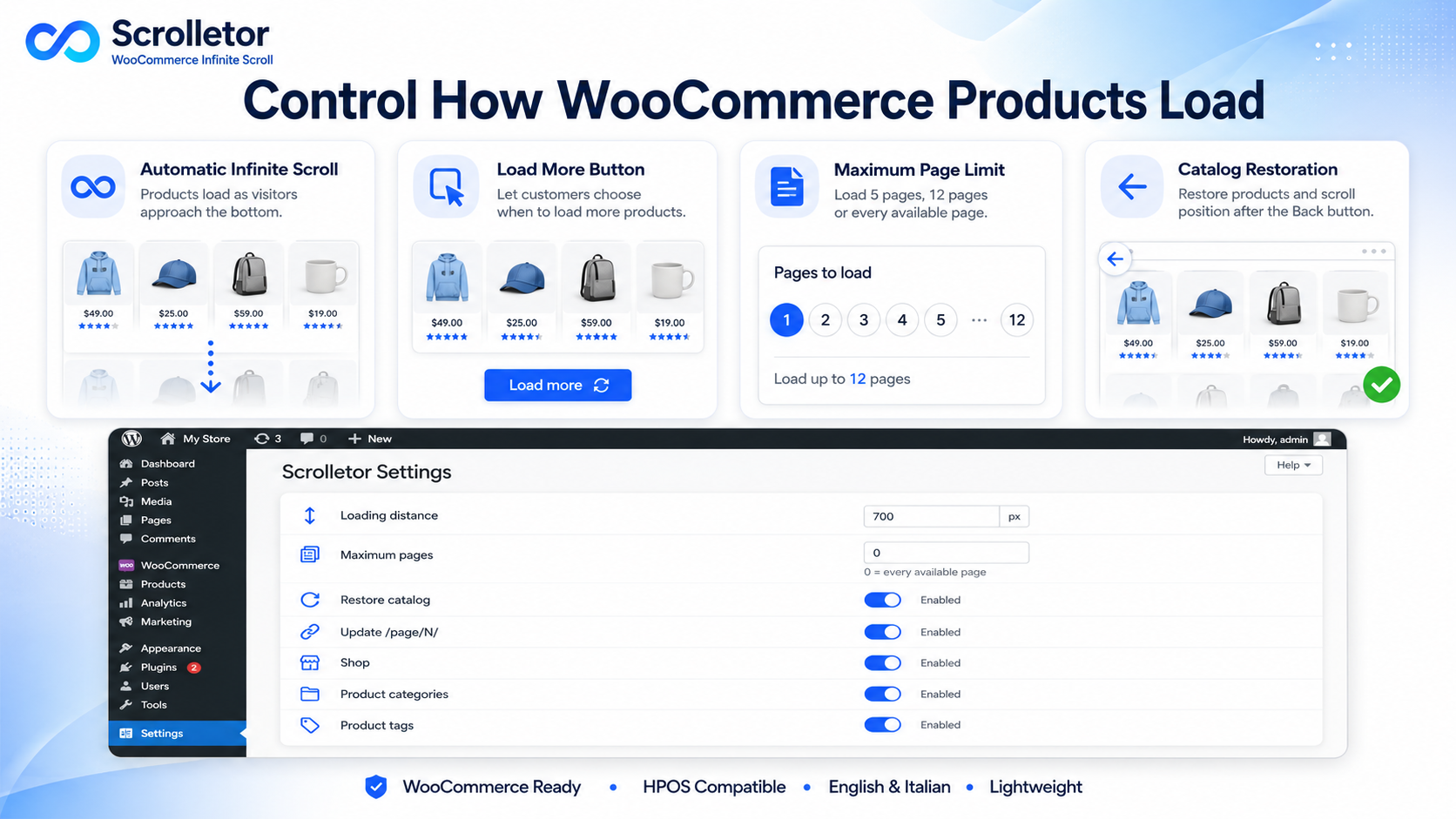
Automatic Infinite Scroll or Load More Button
Choose how additional WooCommerce products should be loaded.
Automatic Infinite Scroll
Products are loaded automatically when the visitor approaches the bottom of the catalog.
This creates a continuous shopping experience without requiring customers to click numbered pagination links.
Load More Products Button
Prefer more control?
Use a Load More button and let customers decide when the next group of products should appear.
Replace the Infinite Scroll Provided by Your Theme
Scrolletor can become the main product-loading system for your WooCommerce catalog.
For the most reliable configuration, set your theme to use standard or normal pagination and let Scrolletor manage the infinite scroll functionality.
This helps avoid conflicts between multiple scripts trying to load the same products.
Choose How Many Pages Can Be Loaded
Control the maximum number of WooCommerce pages that Scrolletor can load during one visit.
For example:
- Load only pages 1 to 5
- Load pages 1 to 12
- Allow every available catalog page
Set the limit to zero to allow all available pages.
Restore Products After the Browser Back Button
Scrolletor saves the catalog state temporarily inside the current browser tab.
When a customer opens a product and returns to the category, the plugin can restore:
- Previously loaded products
- The complete product grid
- The correct result count
- The previous scroll position
- The product previously selected
This prevents customers from losing their place in large WooCommerce collections.
Keep WooCommerce Product Grids Consistent
Scrolletor preserves the product card structure used by the active WooCommerce theme.
Products loaded from later pages remain inside the correct catalog grid instead of appearing as oversized images or unformatted content.
The plugin also prevents duplicate products from being added when multiple loading scripts are present.
Update the Page URL During Scrolling
Scrolletor can update the browser address as customers move through the catalog.
For example:
/product-category/collection/page/6/
The visible result count and breadcrumb are synchronized with the complete group of products currently displayed.
Works Across WooCommerce Archives
Scrolletor can be enabled for:
- WooCommerce Shop page
- WooCommerce product categories
- WooCommerce product tags
- Standard WooCommerce product archives
You can choose which archive types should use Scrolletor from the plugin settings.
Designed for Safer Product Loading
Scrolletor only loads additional catalog pages from the same website.
Before inserting downloaded product markup, the plugin removes scripts, iframes, embedded objects and inline event attributes from the imported content.
Scrolletor does not:
- Read customer passwords
- Modify WooCommerce orders
- Process payments
- Send catalog data to external services
- Create public REST or AJAX endpoints
English and Italian Administration Interface
The Scrolletor administration interface is available in:
- English
- Italian
Choose the preferred language directly from the plugin settings page.
Simple WooCommerce Scroll Management
Scrolletor works directly inside WordPress.
You can configure:
- Automatic infinite scroll
- Load More button
- Maximum number of pages
- Loading distance from the bottom
- Catalog restoration after the Back button
- Saved-state duration
- Browser URL updates
- Loading and completion messages
- Shop, category and tag archives
- Theme compatibility selectors
Remove Plugin Data During Uninstallation
Scrolletor includes an optional cleanup setting.
Enable it if you want the plugin to remove its saved WordPress settings when Scrolletor is uninstalled.
Leave it disabled if you want to preserve the configuration for a future installation.
What You Get
- Scrolletor WordPress plugin
- WooCommerce infinite scroll
- Load More products option
- Catalog restoration after the Back button
- Scroll position restoration
- Maximum page loading control
- Shop, product category and product tag support
- Browser URL updates
- WooCommerce result-count synchronization
- Product grid preservation
- Same-origin page loading protection
- English and Italian administration interface
- WooCommerce HPOS compatibility
- Unlimited website usage
- Lifetime license
- Lifetime updates
- No recurring subscription
Frequently Asked Questions
What is Scrolletor?
Scrolletor is a WordPress and WooCommerce plugin that adds automatic infinite scroll or a Load More button to WooCommerce product archives.
What makes Scrolletor different from theme infinite scroll?
Scrolletor is designed to restore previously loaded products and the visitor’s position after a product is opened and the browser Back button is used.
Should I keep my theme infinite scroll active?
No. For the most reliable configuration, set the theme to normal or numbered pagination and let Scrolletor manage product loading.
Can Scrolletor load more than five pages?
Yes. You can set a specific maximum number of pages or enter zero to allow every available WooCommerce catalog page.
Does it work on page 8 or page 12?
Yes, provided that the pages exist and the configured loading limit allows them. Very large catalogs may take longer to restore on devices with limited browser storage.
Where can Scrolletor be enabled?
You can enable it on the WooCommerce Shop page, product category archives and product tag archives.
Does Scrolletor change products or orders?
No. Scrolletor manages the frontend catalog display and does not modify WooCommerce products, orders, payments or customer accounts.
Does Scrolletor support English and Italian?
Yes. The plugin administration interface is available in English and Italian.
Create a Better WooCommerce Browsing Experience
Stop making customers restart their product search after opening an item.
Load products smoothly, preserve the complete catalog and restore the previous browsing position with Scrolletor.
Get Scrolletor for $12.99 with a one-time payment.
Unlimited Websites · Lifetime License · Lifetime Updates · No Subscription
Related products