
SEO Strategy
When a seasonal catalog needs a cleaner browsing rhythm
Aug
When a seasonal catalog starts feeling harder to scan
Seasonal product pages can look fine at first and still become tiring to browse. A sale collection, holiday range, or limited-time category often grows faster than the page experience around it. Shoppers keep scrolling, the catalog keeps extending, and the store owner is left wondering whether the problem is the range of products or the way the archive reveals them.
That is the situation Scrolletor was built for. It adds WooCommerce infinite scroll or a Load More button, and it can also restore previously loaded products after the browser Back button. For a store that updates collections often, that combination matters because it gives you a way to change the browsing rhythm without forcing customers to start over every time they open a product.
If you want a closer look at the product itself, see Scrolletor – WooCommerce Infinite Scroll Plugin.
Why launch-style collections need more control than a long archive
Not every WooCommerce archive has the same job. A standard catalog may be built for steady comparison. A seasonal collection usually has a different pressure: it has to show enough choice to feel useful, but not so much movement that the page becomes hard to follow.
That is where the choice between automatic infinite scroll and a Load More button starts to matter. Automatic loading can suit casual discovery. A button gives the shopper a small pause, which can be useful when the page is dense or when you want the visitor to decide when to continue.
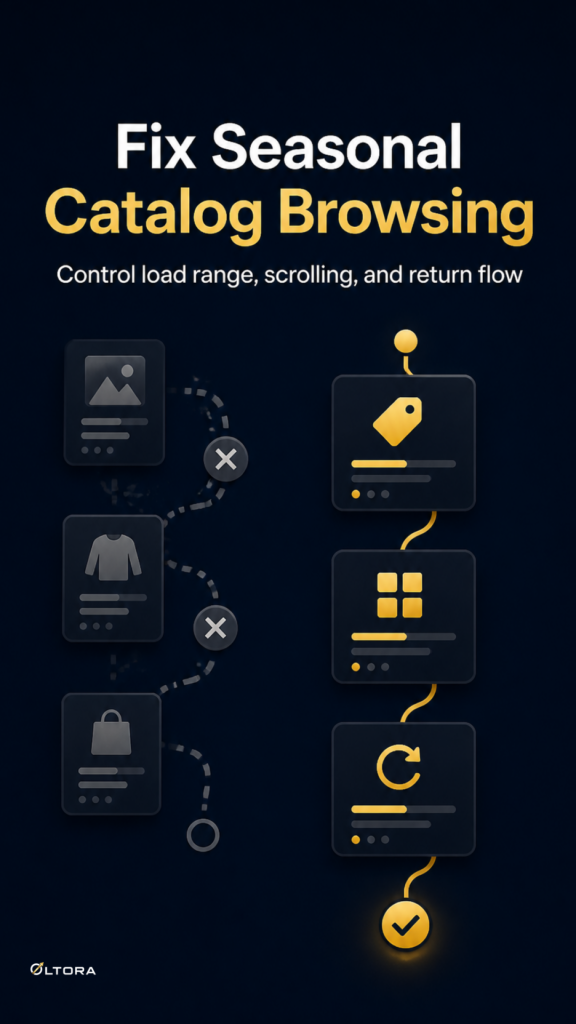
Scrolletor supports both approaches. It also lets you control how many catalog pages can be loaded during one visit, which is useful if you want a seasonal collection to stay focused instead of stretching endlessly.
What changes when you limit the load range
A crowded collection can become a navigation problem long before it becomes an inventory problem. If the page keeps loading too much, the shopper may feel lost. If it loads too little, they may not reach the products that matter.
Scrolletor gives you a simple way to choose the range. You can allow only a few pages, set a broader limit, or let the archive continue through all available pages. That makes the browsing pattern easier to match to the purpose of the collection.
- Use a shorter load range when the category is narrow and time-sensitive.
- Use a larger range when the collection is broad and comparison matters.
- Use Load More when you want the shopper to control the next step.
That is a practical decision, not a cosmetic one. The page should behave in a way that fits how people shop the collection.
Why the back button still matters in a seasonal category
Seasonal collections often invite quick opening and closing of product pages. A shopper sees something, checks the details, then returns to compare it with nearby items. If the archive loses its place at that moment, the browsing flow feels broken even if the product grid itself is well designed.
Scrolletor is designed to restore previously loaded products after the browser Back button. It can bring back the loaded catalog state, the scroll position, and the product the visitor had selected before leaving the archive. In a large collection, that helps the page behave like a session instead of a reset.
That matters most when a customer is moving through a temporary collection and does not want to scroll through the same items twice.
Keep the archive type focused
Scrolletor can be enabled on the WooCommerce Shop page, product categories, and product tags. That flexibility is useful if you only want the browsing pattern on specific archives rather than across the entire site.
For a seasonal store, that can mean using the plugin on the category that changes most often while leaving other pages alone. The result is cleaner control over where the browsing experience changes and where it stays conventional.
If you are still mapping how archive browsing should behave, this earlier article on WooCommerce infinite scroll explains the return-path side of the problem. For page structure and browsing routes, custom WooCommerce breadcrumbs can be useful when your archive layout needs a clearer path back to the right landing page.
When this setup is worth considering
Scrolletor is a good fit when a store needs browsing to feel smoother without giving up control. That usually happens when:
- the catalog is growing fast during a promotion or seasonal refresh
- shoppers need a better way to continue browsing without numbered pagination
- the same archive needs both structure and flexibility
- you want to replace theme-based infinite scroll with a more controlled setup
It is also useful if your store wants a one-time purchase with lifetime updates rather than a recurring subscription. The practical value is in the browsing pattern: the page loads more products, keeps its structure, and does not lose the visitor’s place as easily when they return.
That does not solve every catalog problem. It does solve one of the most common ones: the moment when a product archive feels active, but the shopper has to work too hard to move through it.
A better browsing rhythm is often the real fix
When a seasonal catalog feels clumsy, the issue is rarely that customers need more products. They usually need a cleaner rhythm for discovering them. A controlled scroll pattern, a Load More button, and Back button restoration all help the archive behave more like a place to browse and less like a list that keeps resetting.
That is the role Scrolletor fills inside WooCommerce. It does not change the products themselves. It changes how comfortably people can move through them, which is often where the first improvement is felt.