
SEO Strategy
What to check before a Buy Now button fits a multilingual store
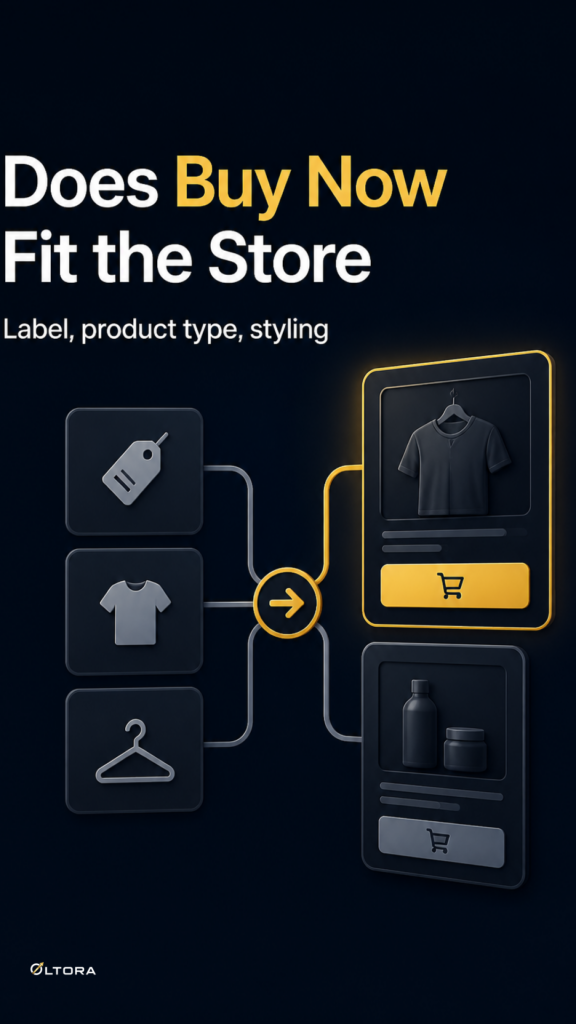
Sep
When the button text has to carry the store
A direct checkout button can shorten the route from product page to payment, but multilingual stores face a more specific problem: the label has to sound natural in each language without making the purchase path feel uncertain. If the wording feels awkward, shoppers pause. If it is too vague, they may not understand that they are moving straight to checkout.
That is the real decision behind a Buy Now button. The shortcut matters, but the label is often the first thing a shopper reads and the last thing they need to trust before they click.
Oltora Buy Now for WooCommerce is built for that kind of flow. It turns Add to Cart into a direct route to checkout while keeping WooCommerce in control of the purchase process and your payment gateway in place. For stores with more than one language, the practical question is not whether a faster button is possible. It is whether the button text, styling, and product type all fit the way the store already works.
You can review the product details here: Oltora Buy Now for WooCommerce.
Check the label first, not the translation
Many store owners start by asking what the button should be called in another language. That is useful, but it comes after a simpler question: what does the label need to communicate?
The source inventory gives a few plain examples: Buy Now, Get Now, Purchase Now, and Order Now. It also supports localized wording such as Acquista ora, Compra subito, Jetzt kaufen, and Acheter maintenant. Those examples all point to the same idea: the button should be short, direct, and easy to scan.
When you are checking your own store, ask three things:
- Does the wording match how your store speaks elsewhere?
- Can a shopper tell the button leads to a faster purchase path?
- Does the label remain clear when read beside your product title, price, and variation selectors?
If the answer to any of those is no, the label is doing too much or too little. The goal is clarity, not cleverness.
Make sure the button matches the product type
Multilingual stores often sell a mix of simple and variable products, and that difference matters. A simple product can move more directly from click to checkout. A variable product needs more care because the shopper must choose valid options first.
That means the button text should not try to hide the product’s structure. If a customer still needs to choose size, color, or another option, the label should feel like a next step only after the product is ready to buy. Oltora Buy Now supports this by working with variable products in a way that respects variation selection. The product must be ready before the direct checkout flow can continue.
This is worth checking before launch because a multilingual store can make a small UX problem feel larger. If the page language changes, but the product state is still unclear, shoppers may wonder whether they have selected the right variation or whether the button is active yet.
Keep the visual style quiet
Language is only part of the decision. The button also needs to fit the store visually. Oltora Buy Now inherits the styling from your WooCommerce theme by default, which helps the button feel like part of the page instead of a separate layer.
That default behavior is useful when the store already has a consistent design across languages. It keeps the buy button from becoming a second design system that you have to maintain in multiple markets.
If you need more control, the plugin includes advanced styling with separate states for ready, disabled, and pressed buttons. That can help when you want shoppers to see the difference between a product that is ready to purchase and one that still needs an option selected. For multilingual stores, that difference matters because visual cues often have to do work where copy alone would be too dense.
A short decision checklist before you switch
If you are deciding whether a Buy Now button fits your multilingual store, use this checklist before you change anything live:
- Does the button text sound natural in each storefront language?
- Does the label tell shoppers what happens next without extra explanation?
- Do variable products clearly require option selection before the direct checkout flow can continue?
- Will the button fit the current theme without forcing a new visual style?
- If you need styling controls, do you only need clear ready, disabled, and pressed states rather than a full redesign?
That checklist keeps the decision focused on fit. A faster button is only helpful when the store can support it without confusing the shopper or changing the checkout system underneath.
Where a lightweight buy button earns its place
Some stores need a broader checkout or funnel tool. Others only need one clear shortcut between product page and checkout. Oltora Buy Now for WooCommerce sits in the second group. It is a lightweight way to reduce purchase steps without replacing WooCommerce checkout or payment logic.
That matters most when the store already has a working checkout setup and the real friction is the extra visit to the cart. In that case, the best improvement is often the smallest one: a button that makes sense in the store’s language, respects the product type, and stays visually consistent with the theme.
For a multilingual store, that is the difference between a button that simply says “buy” and a button that shoppers actually trust enough to use.