
SEO Strategy
Competitor price data export: WordPress vs hosted SaaS for reporting
Sep
When price changes need to leave the dashboard
A pricing manager can spot a competitor’s move in the morning and still spend the afternoon rebuilding the same information in a spreadsheet. That handoff is where monitoring often becomes awkward: the data exists, but it is not yet useful for a review, a forecast, or a team discussion.
That is the real job of export. It turns scan results into something people can read, sort, and compare outside the monitoring screen. With Oltora Price Monitor, that matters because the system is not designed as a separate analytics island. It keeps the core monitoring history in your WordPress database, while also letting you export price analysis to CSV when you need to move the work into reporting or internal analysis.
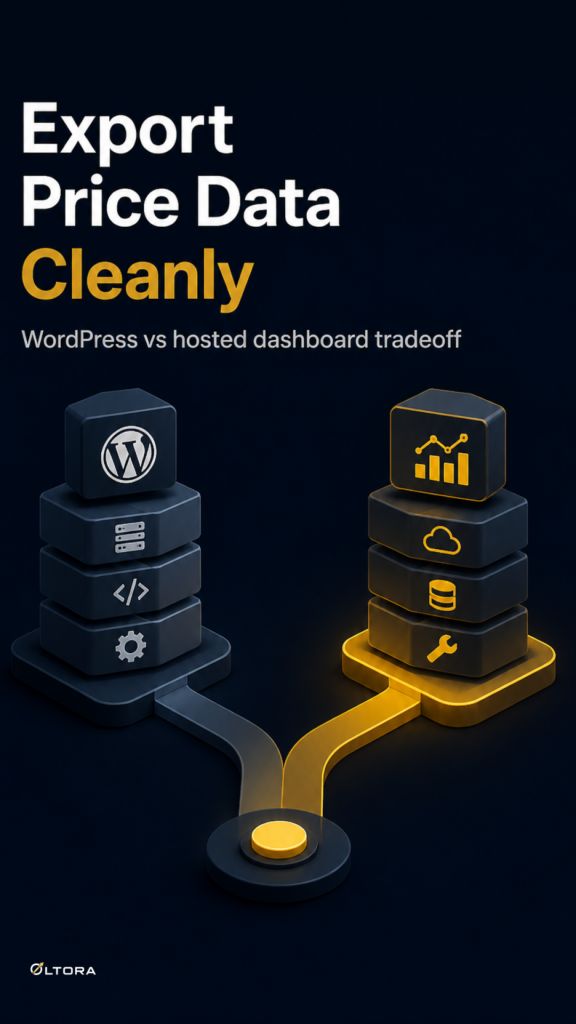
The cost question starts there. A hosted competitor-price service can be convenient if your team wants a ready-made dashboard and no site-level responsibility. A self-hosted WordPress plugin can make more sense when the monitoring record needs to stay close to the store you already run, even if that means your own WordPress stack becomes part of the operating cost.
What an export should help you do
Most teams do not export competitor data just to collect files. They export because the data has to support a decision. In practice, that usually means one of three things:
- Share a clean report with a pricing manager or commercial lead.
- Compare price changes across a date range instead of checking one product at a time.
- Move price-change history into a spreadsheet for internal analysis or presentation.
That is why the structure matters more than the file itself. A useful export should preserve enough context that someone who did not watch the original scan can still understand what changed. In Oltora Price Monitor, the dashboard can show the previous competitor price, the current competitor price, the absolute movement, the percentage change, the change direction, the date of the detected change, and a direct link back to the competitor product page. Those are the fields that make a CSV worth opening.
If you are switching from manual checks, this is the practical difference. A browser tab tells you what happened once. An export gives you a record you can reuse.
Self-hosted data or hosted SaaS: the cost-model decision
For a pricing team, export is also a clue about ownership. If monitoring data lives in a hosted SaaS dashboard, the convenience is usually tied to that service’s interface and account structure. If the data stays in WordPress, the system is easier to treat as part of your own website operations.
That tradeoff is not abstract. Oltora Price Monitor stores monitored stores, product records, and detected price-change events in the WordPress database where the plugin is installed. The plugin also uses annual licensing, and scheduled scans depend on WordPress cron activity and the resources available on the hosting account. So the buyer is not only choosing a price-monitoring tool; they are choosing where the workflow sits and who carries the maintenance responsibility.
That can be a good fit when:
- your team already works inside WordPress;
- you want the monitoring history under your own control;
- you prefer a direct path from scan results to CSV export; and
- you can manage the hosting environment that runs the scans.
A hosted service may still be the cleaner option if your priority is outsourcing more of the operational burden. But if the question is whether competitor-price reporting should live beside the site that already drives pricing decisions, self-hosted storage is a serious advantage.
How to think about the report itself
When a pricing report is built from exported competitor data, it should answer a simple question quickly: what changed, when did it change, and how large was the move?
That is why date filters matter. Oltora Price Monitor lets you review changes by Today, Yesterday, Last 7 days, Last 30 days, or a specific date. For a manager preparing a weekly pricing meeting, that means you do not need to rebuild the same window from scratch. You can narrow the period first, then export the slice that matters.
It also helps to keep the export tied to the decision you need to make. For example:
- Use a narrow date range when you need to explain a sudden move.
- Use a longer range when you want to spot repeated changes from the same competitor.
- Use the product-level details when the team needs to compare one retailer against another on the same item.
That is where the combination of dashboard review and CSV export becomes useful. The dashboard is for investigation; the file is for circulation.
When the self-hosted model is the better fit
A self-hosted setup is not automatically lighter. It asks more of your own environment. But it can remove another class of friction: moving information in and out of a separate platform every time someone needs it.
If the people who care about pricing already live in WordPress, the plugin can reduce that switching cost. The team can scan competitor prices, inspect individual changes, and export the relevant analysis without changing systems. That matters most when the work is recurring, not occasional.
The decision becomes simpler if you ask which cost you are trying to avoid. If you want to avoid another subscription with another interface, self-hosted WordPress monitoring fits well. If you want to avoid hosting responsibility and would rather pay for a more managed environment, a hosted SaaS may be easier to carry.
For many pricing teams, export is the moment that reveals the difference. If the report has to be rebuilt elsewhere every week, the monitoring tool is only part of the job. If the data can stay in WordPress and move cleanly into CSV when needed, the workflow stays closer to the people making the pricing call.
That is the practical value here: not just seeing competitor changes, but keeping the path from scan to report short enough that the data still arrives in time to use.