
Custom Development
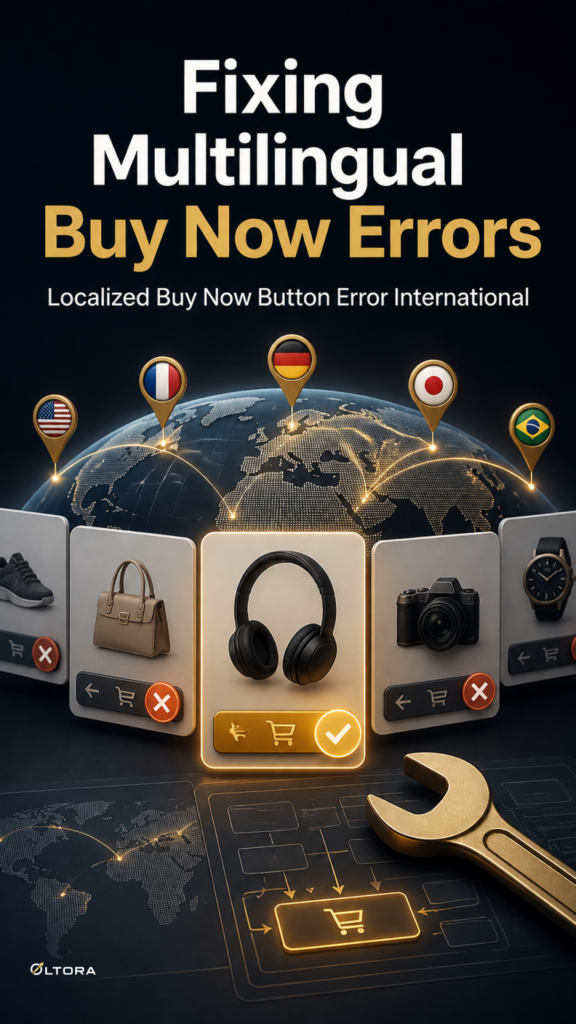
Why Multilingual Buy Now Buttons Fail After Regional Currency or Gateway Updates
Oct
Diagnosing Direct Checkout Failures After Regional Updates
When international store operators update regional payment gateways or currency switchers, localized Buy Now button labels can misalign with modified checkout parameters. This mismatch often triggers script execution failures on direct form submission, leaving shoppers stranded on the product page without an error message or redirect.
Understanding why this happens requires looking under the hood at how translation strings, JavaScript handlers, and gateway scripts interact during a single-product bypass flow. When a store uses a lightweight solution like Oltora Buy Now for WooCommerce, the plugin’s architecture deliberately avoids replacing native WooCommerce checkout or payment gateway logic. Instead, it relies on WooCommerce successfully accepting the product before redirecting the shopper directly to the checkout page.
The Architecture of State Preservation and Translation Hooks
To keep a direct checkout button functioning across multiple languages and currencies, several distinct moving parts must remain synchronized:
- Translation Strings: Custom button labels such as Acquista ora, Jetzt kaufen, or Acheter maintenant must map correctly to the active locale without breaking form input names.
- Button Handlers: JavaScript event listeners must correctly bind to both standard product form purchases and common AJAX-based single-product purchasing flows.
- Gateway Endpoints: Regional currency switchers and updated payment extensions must accept the incoming cart session without throwing validation blocks.
When a gateway update alters checkout parameters or changes token handling, the translation string hooks can lose context. If the script cannot verify the active locale or the expected form action, the button handler fails silently, preventing the browser from moving to the payment screen.
A Step-by-Step Recovery Checklist for Store Administrators
If your localized direct checkout button has stopped translating or fails to submit after a regional update, work through this clean recovery path rather than rebuilding your entire payment setup:
- Verify Locale Registration: Check that your multilingual plugin or translation files still register the custom button text strings for all active regional storefronts.
- Inspect AJAX and Form Handlers: Confirm whether your theme or currency switcher overrides standard form submissions, which can block the single-product AJAX purchasing flow.
- Test Native Gateway Handshake: Temporarily switch to a default currency or standard payment gateway to verify whether the direct redirect completes successfully outside of the regional modification.
- Review Variable Product Rules: Ensure that variable items still require valid options to be selected before the purchase button becomes available, preventing empty attribute payloads from crashing the checkout redirect.
By keeping WooCommerce and your payment extensions responsible for the actual transaction processing while maintaining clean translation hooks, you can preserve a fast, reliable purchasing journey for international buyers.