
Custom Development
Direct Checkout Without Replacing WooCommerce Payments
Sep
If your product pages already get strong buying intent, the cart can become a pause you do not need. The harder part is choosing a faster route without rebuilding checkout, changing payment logic, or buying a broader funnel suite just to remove one extra click.
That is where a direct-buy button earns its place. Oltora Buy Now for WooCommerce turns the usual Add to Cart step into a direct path to checkout, while leaving WooCommerce responsible for the purchase flow and your payment gateway in control. For simple products, that can remove a stop. For stores with more moving parts, the question becomes whether the shortcut is worth its ownership cost over time.
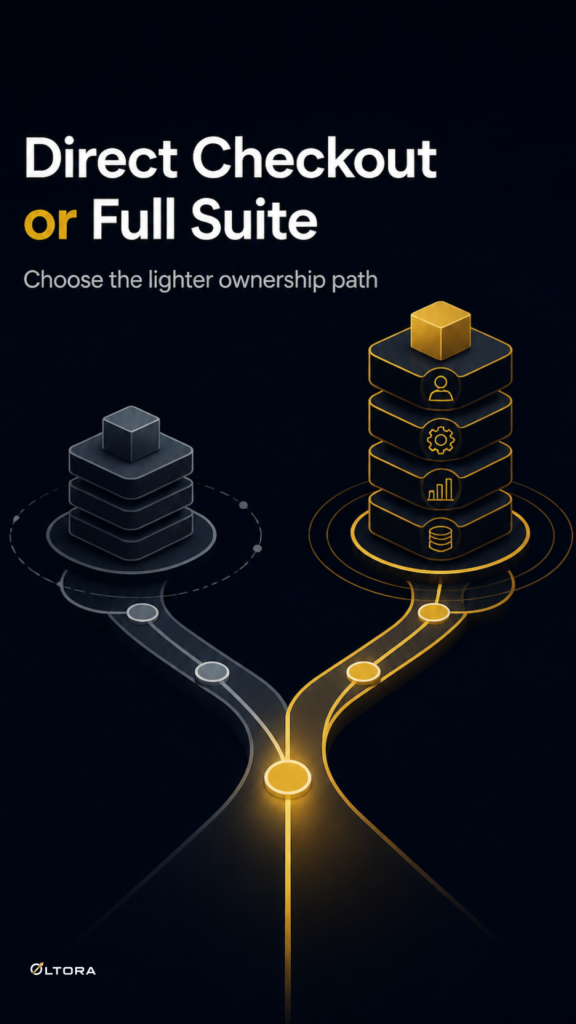
The real comparison is not speed versus slowness
Most store owners compare tools by the headline feature: can it send shoppers to checkout faster? That matters, but it is only the first layer. The bigger decision is what else the tool brings with it.
A single-purpose Buy Now button changes one thing: the route from product page to checkout. A cart or checkout suite changes more of the buying environment. It may add overlays, alternate checkout layouts, or extra workflow controls. Those features can be useful, but they also expand the amount of code and configuration you own.
For a store selling simple products, the lighter option is often easier to live with. You keep the native WooCommerce checkout, your existing gateway extensions, and the product-to-payment flow you already know. The plugin handles one job instead of becoming a second checkout system.
What a lighter direct-buy setup actually changes
With the standard WooCommerce flow, a shopper usually moves through Product → Add to Cart → Cart → Checkout → Payment. A direct-buy button removes the cart visit and shortens that path to Product → Buy Now → Checkout → Payment.
That small shift can matter when the shopper has already decided. If the product is simple and the page is clear, forcing a cart step can feel like a delay rather than a safeguard. The shortcut is most useful when the cart is not adding decision support, only another page to cross.
The other advantage is ownership. When WooCommerce still controls checkout and payment, you are not switching to a separate purchase stack. You are changing the entry point, not the payment architecture. That keeps the maintenance question smaller.
When button text becomes part of the cost model
A Buy Now button is not only a routing decision. It is also a wording decision, and that affects how much change you need around it.
Oltora Buy Now lets you customize the label, so the button can fit your store voice or language. The inventory supports plain options such as Buy Now, Get Now, Purchase Now, and Order Now, plus localized wording when your store serves more than one market. That means you can keep the buying shortcut while avoiding a label that feels off-brand or hard to scan.
For a simple-product store, that flexibility matters because the button has to do its job with very little explanation. If the wording is too clever, too long, or too generic, the shortcut stops feeling like a clear action. The best label is usually the one that makes the next step obvious in a single glance.
Compare the ownership tradeoff against broader checkout tools
Some merchants will weigh a direct-buy button against tools that change more of the checkout experience. That is a fair comparison, especially if you are deciding between a narrow plugin and a broader purchase suite.
WooCommerce Cashier, for example, is documented as providing Buy Now button links for direct checkout and can skip the cart to land shoppers on the checkout page. Its documentation also mentions options like preserving existing cart items, checkout in a popup, and a 2-step purchase setting. That makes it a broader workflow tool than a plain button replacement.
In practical terms, the choice comes down to scope. If you want a faster route to the native checkout you already trust, a lightweight button is easier to justify. If you want a more elaborate purchase layer with extra checkout behavior, a larger tool may fit better. The cost is not only financial. It is also the cost of added settings, additional behavior to test, and more surface area to maintain.
For readers comparing approaches, WooCommerce’s own Buy Now Button documentation is a useful reference point for the same basic job: replacing Add to Cart and redirecting shoppers after click. The difference is that a native button-style tool often stays closer to the store’s existing structure, while a suite can pull more of the purchase path into its own logic.
Why compatibility matters more than the shortcut itself
Direct checkout only helps if it does not become the new source of friction. The stronger setup is the one that leaves checkout, payment, and product handling where they already belong.
Oltora Buy Now is designed to preserve the native WooCommerce checkout and payment gateway flow. That matters because payment extensions are usually built to work inside WooCommerce checkout, not inside a custom purchase system. If a direct-buy tool replaces that structure, you may gain one click and inherit another layer of compatibility work.
The plugin also supports modern WooCommerce architecture, including HPOS and Cart & Checkout Blocks, along with standard single-product and AJAX-based purchasing flows. For stores with simple products, that is a sensible fit: the workflow changes, but the underlying payment path does not have to.
How to decide if the lighter model is enough
Ask three questions before choosing a direct-buy setup:
- Do most shoppers already know what they want when they reach the product page?
- Does the cart page add value, or only delay checkout?
- Do you want a single-purpose plugin that keeps WooCommerce and your payment extensions in charge?
If the answer to those questions is yes, a narrow direct-checkout button is usually the cleaner ownership choice. You get a faster path without taking on a second checkout stack.
If you need a more complex purchase flow, then a broader tool may be justified. But if the goal is simply to remove an unnecessary stop, the better deal is often the smaller one: less code, fewer moving parts, and a checkout system that still feels like your own.
Oltora Buy Now for WooCommerce fits that shape well. It shortens the route from product page to checkout, keeps the payment layer intact, and gives you enough control over button text and styling to match the store without turning the button into a separate design system.